Remote Controls
49
Checking the Remote Control Address
1
2
3
4
5
6
7
8
9
10
11
R
1
2
3
4
5
6
7
8
10
R
11
CHECKING
THE
R
EMOTE
C
ONTROL
A
DDRESS
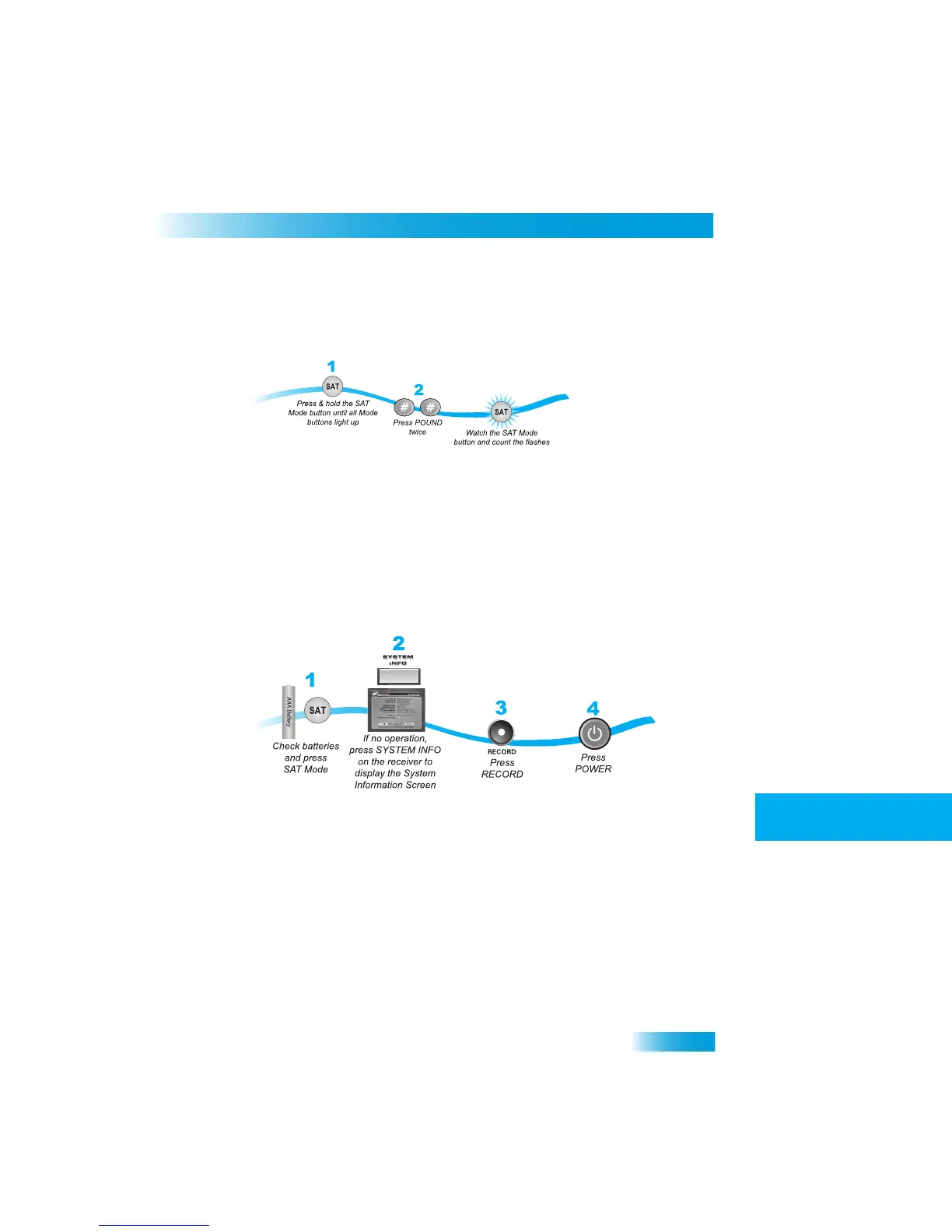
You can see what address is programmed on
the remote control by completing the
following instructions.
1
Press and hold the SAT mode button for three
seconds, until all of the mode buttons light
up, and then let go of the SAT button.
2
Press POUND (#) twice. The SAT mode button will
flash the same number of times as the
address number (for example, three flashes means address 3).
CONFIRMING
R
EMOTE
C
ONTROL
O
PERATION
Complete the following to
make sure the remote operates the receiver:
1
Make sure the remote has fres
h batteries and is in SAT mode.
2
Press SYSTEM INFO on the receiver front panel to displa
y the System Info screen.
3
Press RECORD on the remote control. The address in the System Info scree
n changes to
match the address preset in your remote control.
4
Press POWER on the remote contro
l to turn on/off the receiver.



 To Next Page