Chapter 7
40
DISH
HOME
Interactive TV
dish home I
NTERACTIVE
TV
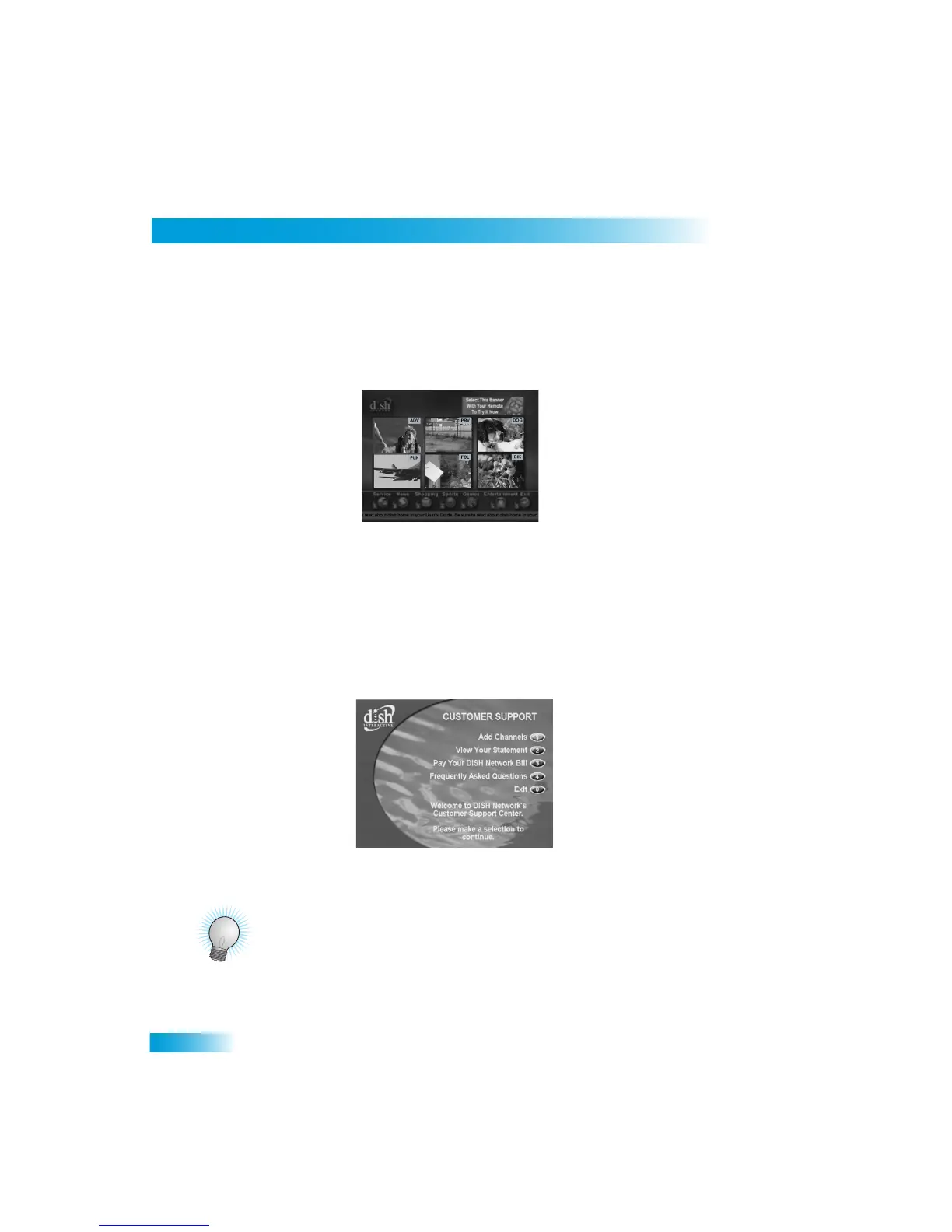
Press DISH on the remote control to go to
dish home Interactive TV
features available
with your service. Watch video from popular
news, entertainment, and sports networks all
on one screen. You can also select an icon from the bottom o
f the screen for customer
support, news, shopping sports, games, and entertainment.
CUSTOMER
S
ERVICE
An important feature of your satellite TV
receiver is Customer
Support. This menu
provides convenient access to your DISH Netw
ork account to review your statement, pay
your bill, upgrade programming,
and more. Make sure you conne
ct an active phone line to
your receiver.
Press MENU and then select Customer Support.
TIPS
• Whenever you want to exit an interactive
feature and return to watching programming,
press VIEW LIVE TV and you’ll be taken
to the last channel
you were watching.
• You can also get to Customer Support from
dish home
.



 To Next Page