Chapter 3: Operation
Operation Manual: Evolution Series
+ Button
The + button will toggle through available options depending on what field is
selected. For example, when modifying the test temperature in a saved method
these buttons will scroll through numeric values.
- Button
The – button works in conjunction with the + button to scroll in the opposite
direction.
Stir LED
This LED will be activated when the instrument shafts are rotating at a set RPM.
Heat LED
This LED will be activated when the heaters are active (heater jackets for the
bathless model or the TCS for the bath based system).
Sleep LED
This LED will be activated when the unit is set to sleep mode. Sleep mode turns
off the display in order to extend the life of the unit’s backlight.
produKEY
This receptacle is used with the produKEY. See page 3-36 for more information on
using the produKEY.
Startup Screens
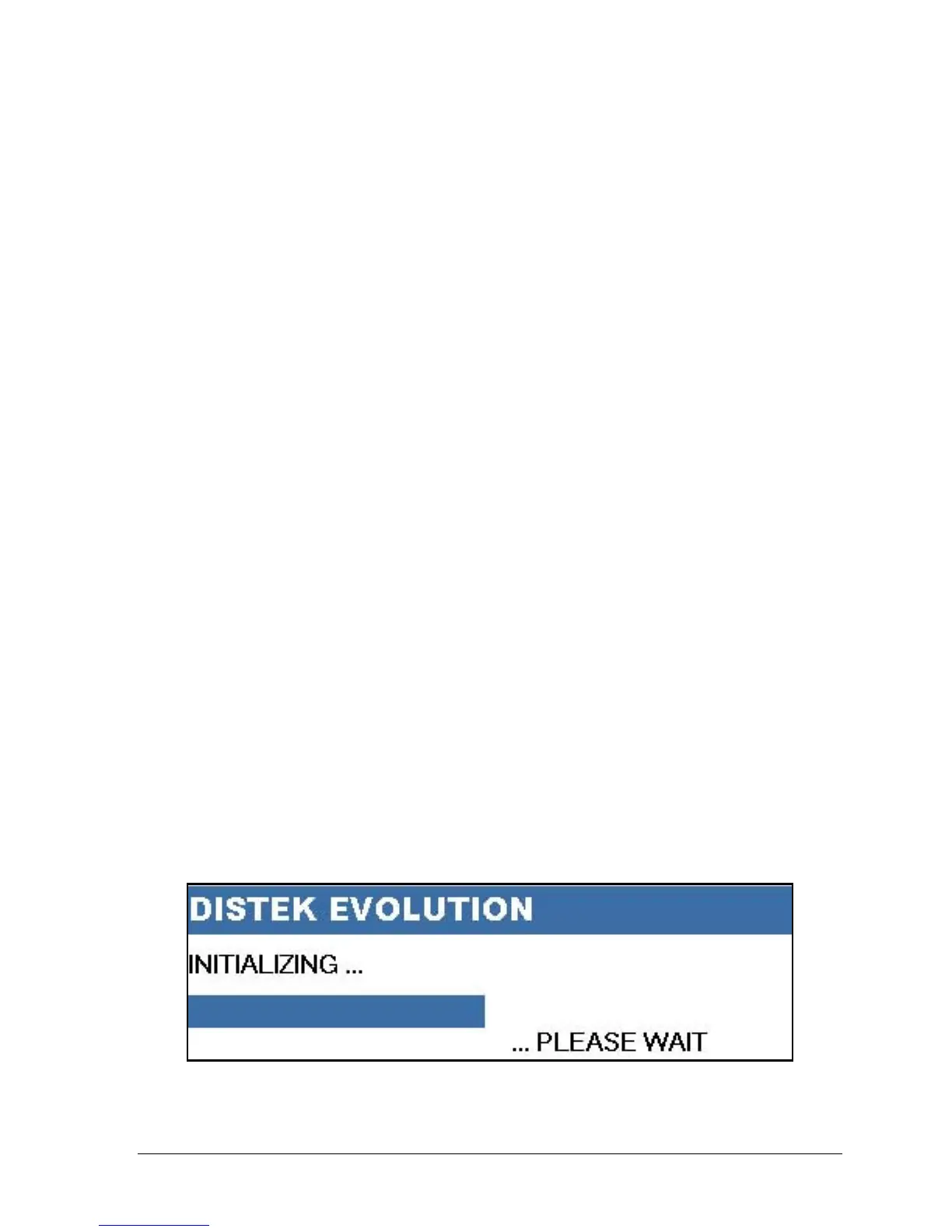
The following initialization screen will appear on the front LCD when turning the
unit on:
Figure 3-2: Initialization Screen



 To Next Page