


 To Next Page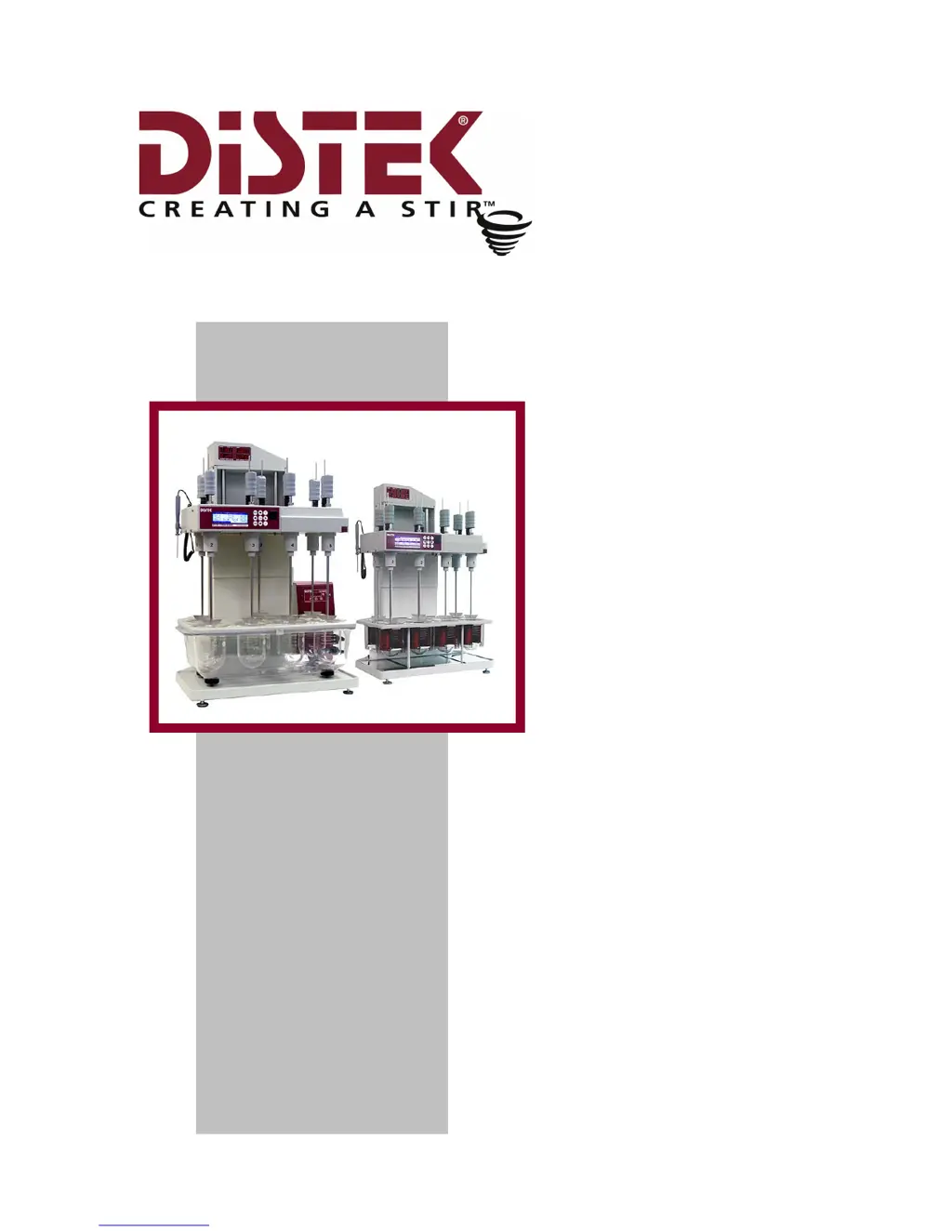
J
Jamie MoonAug 21, 2025
What to do if the LCD screen is scrambled on my Distek Evolution 6100?
- CChristopher DicksonAug 21, 2025
If your Distek Test Equipment displays a scrambled LCD screen, the issue might stem from the power supply. Try cycling the main power off for at least one minute, and then turn it back on. Also, inspect the ribbon cable connecting the LCD to the stage board and ensure the display assembly is securely mounted. Check that all socket chips are properly inserted.
 General
