Chapter 3: Operation
Operation Manual: Evolution Series
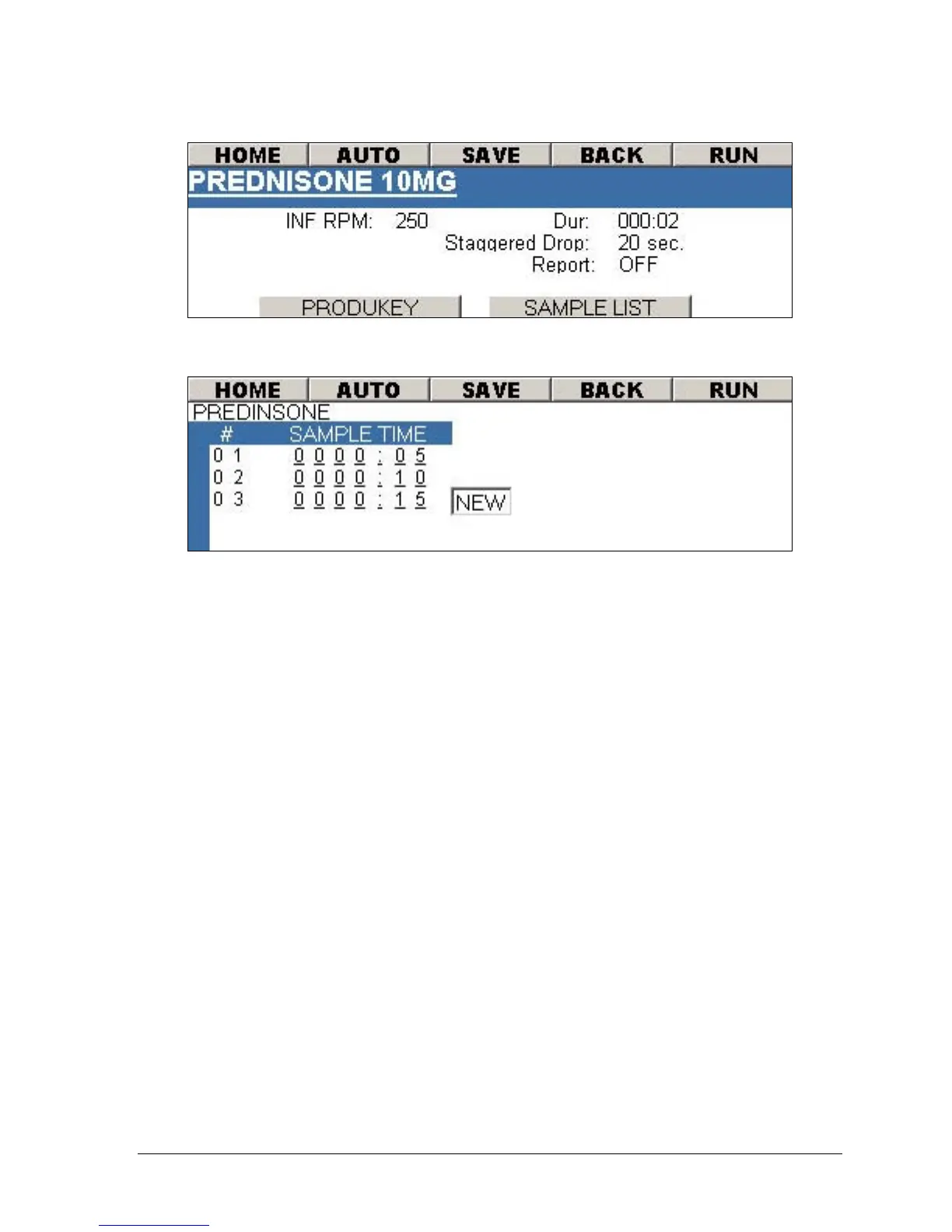
Figure 3-25: Method Screen – More Options
Figure 3-26: Method Screen – Sample List
Running a Simultaneous Drop with Paddles
1. Run the method (see Selecting a Method to Run on page 3-24).
2. After the unit has completed pre-heating the following message will be
displayed:
VESSEL TEMP HAS BEEN REACHED.
PRESS ENTER AND DROP
DOSAGE FORM.
3. Press the ENTER key. The following message will be displayed
PLEASE DROP DOSAGE FORM
STIRRING BEGINS IN XX SECONDS
OR PRESS ENTER TO START TEST.
The RPM will pause for 20 seconds to enable introduction of the dosage
form.
4. Introduce the dosage form into each vessel.
5. The test will begin once the 20 second has expires or press ENTER to begin
immediately.



 To Next Page