Chapter 3: Operation
Operation Manual: Evolution Series
Current Method
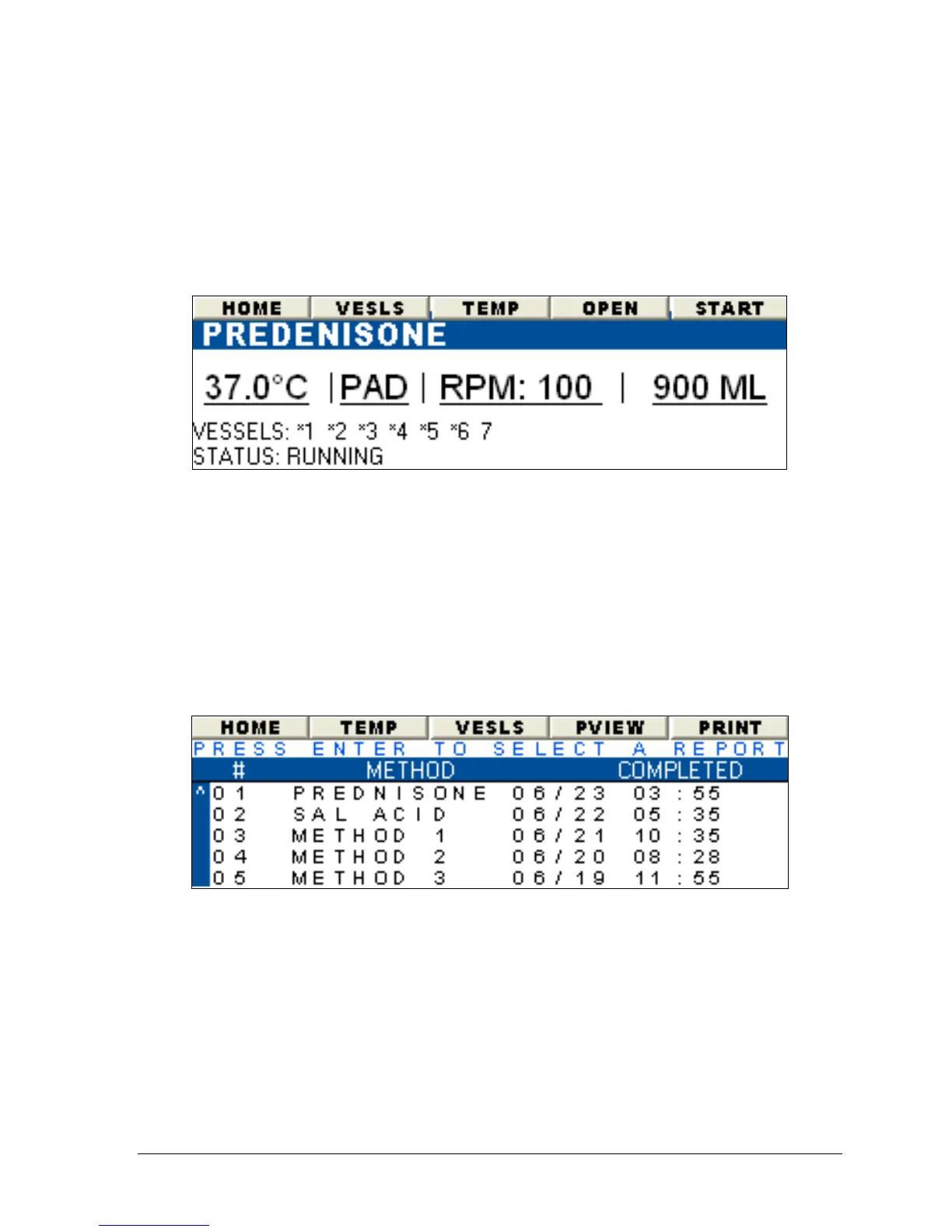
The display screen in Figure 3-20 summarizes the settings in use for the current
Auto Test method. Vessels 1-7 are enabled. Test temperature is set to 37.0°C
and the RPM is set to 100.
Figure 3-20: Current Method Details
Report History
The report history screen is accessed by selecting the "HIST" button on the menu
bar. This button is found on several screens throughout the user interface such as
the AUTO MODE wizard screen (see Figure 3-22), the MANUAL MODE wizard (see
Figure 3-27) and most of the Display View screens.
Figure 3-21 lists the last 40 Automatic Tests that have been run on the unit. Tests
which were aborted will display "Aborted" in the "Completed" column.
Figure 3-21: Report History



 To Next Page