Chapter 3: Operation
Operation Manual: Evolution Series
Control Keypad
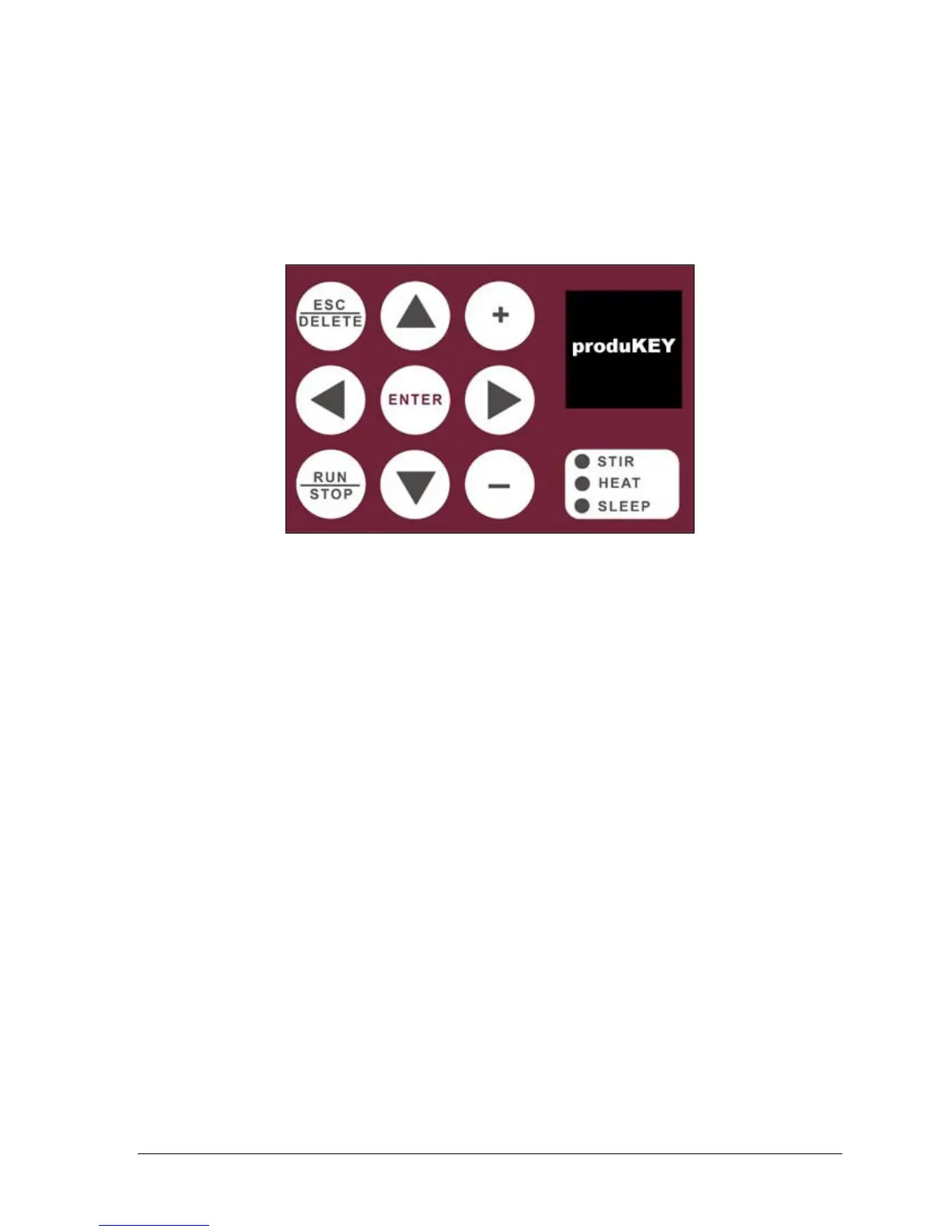
The control keypad is shown in Figure 3-1:
Figure 3-1: Control Keypad
The function of the buttons is as follows:
ESC/DEL Button
The ESC/DEL button will allow the operator to navigate back to the higher level
menu screen within the interface. This button can also be used to delete certain
items that are in a list such as methods, sample time points and users.
RUN/STOP Button
The RUN/STOP button is used to start a method running while in the method
screen. If a method is already running, this button can be used to abort a method.
Arrow Keys
The ARROW keys are used to navigate through the menus and displays.
ENTER Button
The ENTER button locks in menu selections and settings made with the ARROW, +
and – keys.



 To Next Page