Chapter 3: Operation
Operation Manual: Evolution Series
About Window
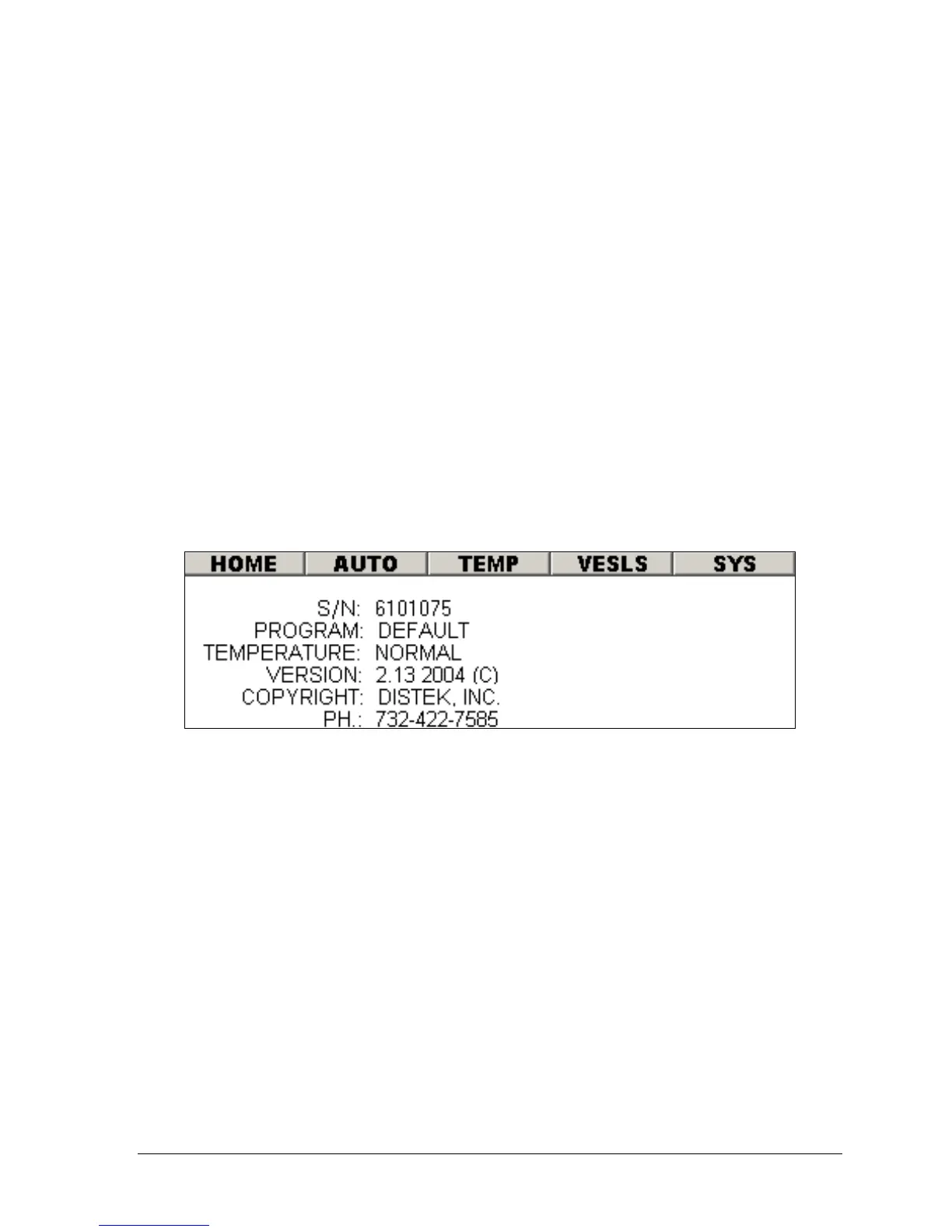
Within the System Configuration section, selecting the ABOUT menu item (see
Figure 3-6) will display the window shown in the figure below. This screen displays
the following information:
S/N
Unit's serial number
TCS S/N
TCS’s serial number (only
valid for a 6300 and a the
TCS FW Rev. 1.53 or
higher)
PROGRAM
Default or Waters
TEMPERATURE
Normal or Hi-Temp
VERSION
Firmware revision
COPYRIGHT
Distek, Inc.
PH.
Company phone number
Figure 3-7: About Window
User Configuration
Selecting 'SYSTEM CONFIG' from the Main Screen, then selecting the 'USER CONFIG'
button on the System Administration Wizard screen (see Figure 3-5) will open the
following window:



 To Next Page