Chapter 3: Operation
Operation Manual: Evolution Series
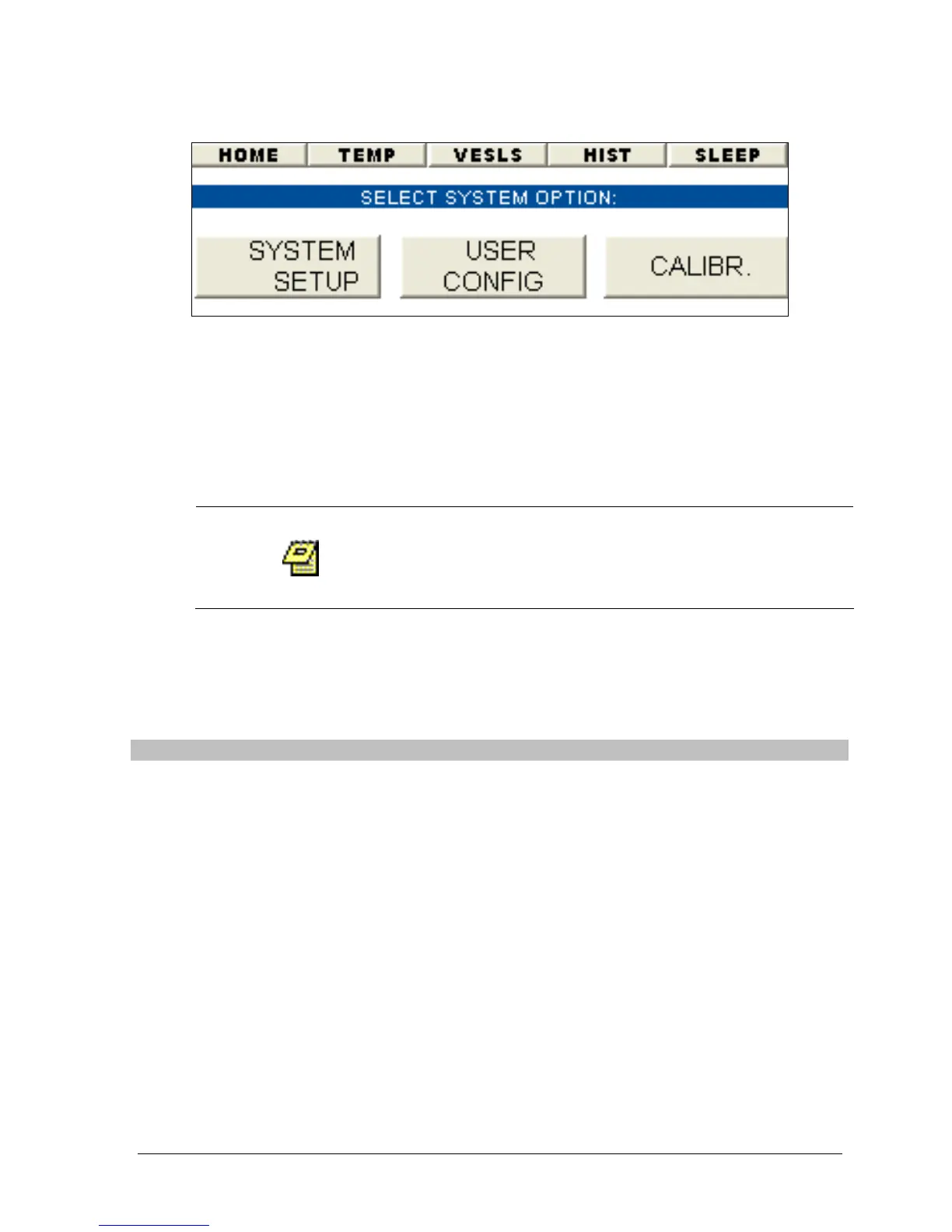
Figure 3-5: System Administration Wizard
The Evolution System is equipped with login access to allow for USER and
MANAGER group settings. A USER can only view and select a method to run. A
MANAGER is able to create/modify methods, change system configuration settings,
calibrate the unit and has user administration privileges.
System Setup
Only a MANAGER will be able to modify the setting
found in the system administration section. A
USER will only be able to view these settings.
Upon selecting the “SYSTEM SETUP” button on the system administration wizard
the user will be taken to the screen shown in Figure 3-6.
The following settings are listed on this screen:
Setting Description
Validated By: The name of the person who validated the unit. This can be up
to 8 characters.
Date: The date the unit was last validated.
MM:DD:YY: Current date.
Format: The date can be set to US or EURO format. For example:
US: Jan.16, 2003
EURO: 16 Jan. 2003
Time: Current time.
Time Format: The time can be set to AMPM or 24HR.
USP Tolerance
Check:
This option monitors the temperature and RPM range when
running a method. The valid settings are ALERT, ABORT or
OFF. If either of these 2 parameters go outside the USP limit
the system will either ALERT the user but continue running,
ABORT the method or not monitor these parameters if set to
OFF.
Address: This is the unit address which can be used for external control.



 To Next Page