Chapter 3: Operation
Operation Manual: Evolution Series
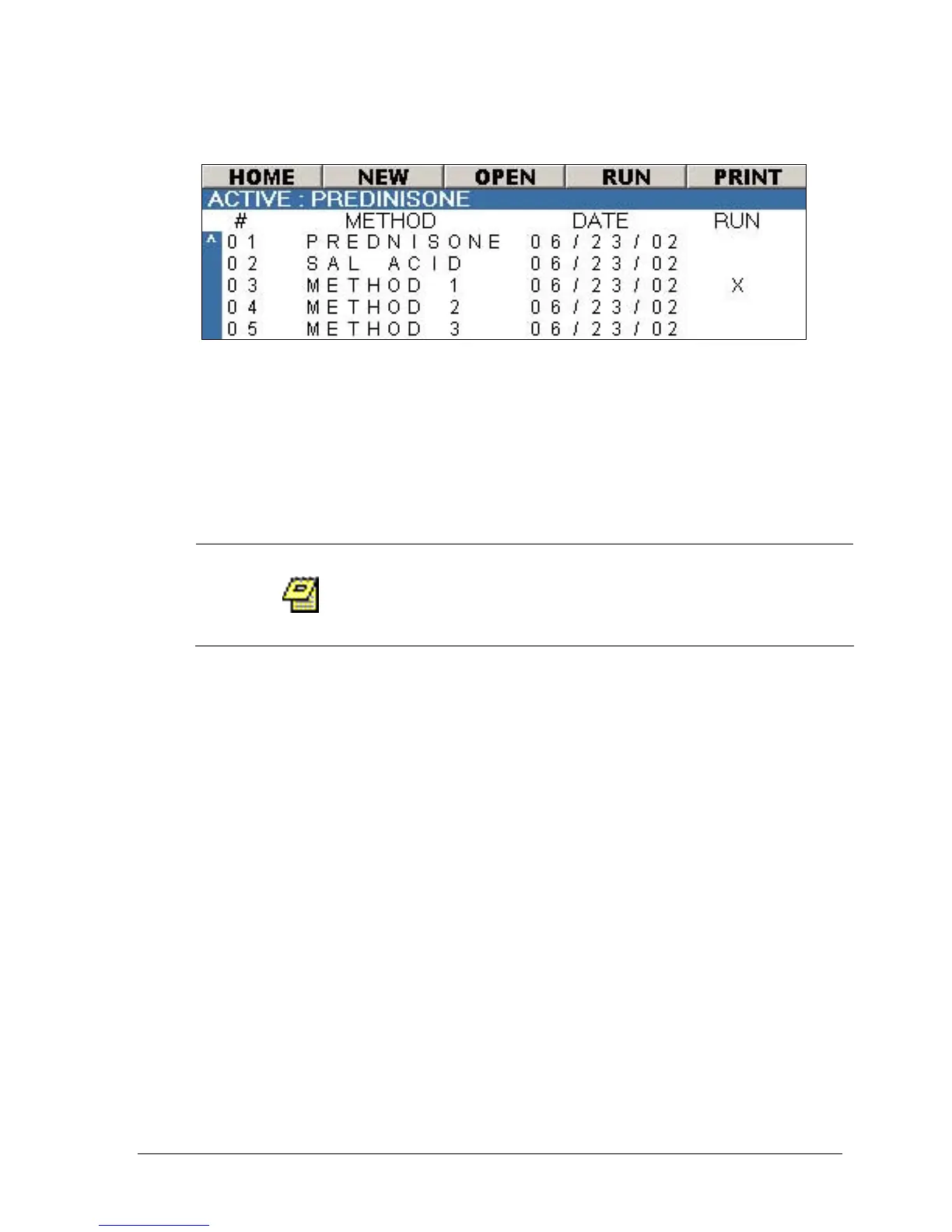
Figure 3-23: Auto Mode Screen
Sorting the Method List
The method list shown in Figure 3-23 can be sorted by method name or date.
Simply highlight the METHOD field or DATE field and click ENTER on the keypad.
Clicking ENTER will toggle between sorting A-Z and Z-A on the METHOD column or
ascending and descending on the DATE column.
Programming a New Method
The operator logged into the system must be part
of the manager group to create a new method.
A maximum of 100 methods can be created.
1. From the main screen (see Figure 3-4) select either the menu bar option
AUTO (go to step 3) or the AUTO MODE wizard button.
2. Select NEW.
3. Enter the method name using the virtual keyboard. Use the arrow keys to
navigate through the keyboard and press ENTER to select an alphanumeric
value (maximum of 16 characters).
4. Once the method name is entered navigate to the OK button and press
ENTER. The screen in Figure 3-24 will be displayed.
5. Using the arrow keys highlight the TEST TEMP field. Press the + or – button
to set the desired value.
6. Using the arrow keys highlight the VOL field. Press the + or – button to set
the desired value.
7. Using the arrow keys highlight the STIR ELEM field. Press the + or – button
to toggle between PADDLE and BASKET.
8. Using the arrow keys highlight the TEST RPM field. Press the + or – button
to set the desired value.
9. Using the arrow keys highlight the DUR field. Press the + or – button to set
the desired value.



 To Next Page