Chapter 3: Operation
Operation Manual: Evolution Series
Calibrate Using Evolution Calibration Probe
Check Evolution System calibration probe against
a calibrated reference before performing this
procedure. Check at low and high temperatures.
Probe is factory-calibrated.
Each original probe, including the calibration
probe, was factory calibrated before your
Evolution System was shipped. Low-Temperature
Calibration is only needed if the calibration
values are deleted, or a new probe is installed.
Otherwise, proceed to High-Temperature
Calibration.
The following steps describe the procedure for calibration:
1. Install 7 vessels with 900 mls of water.
2. Install all Paddle blades.
3. Place the calibration probe in the vessel to be calibrated.
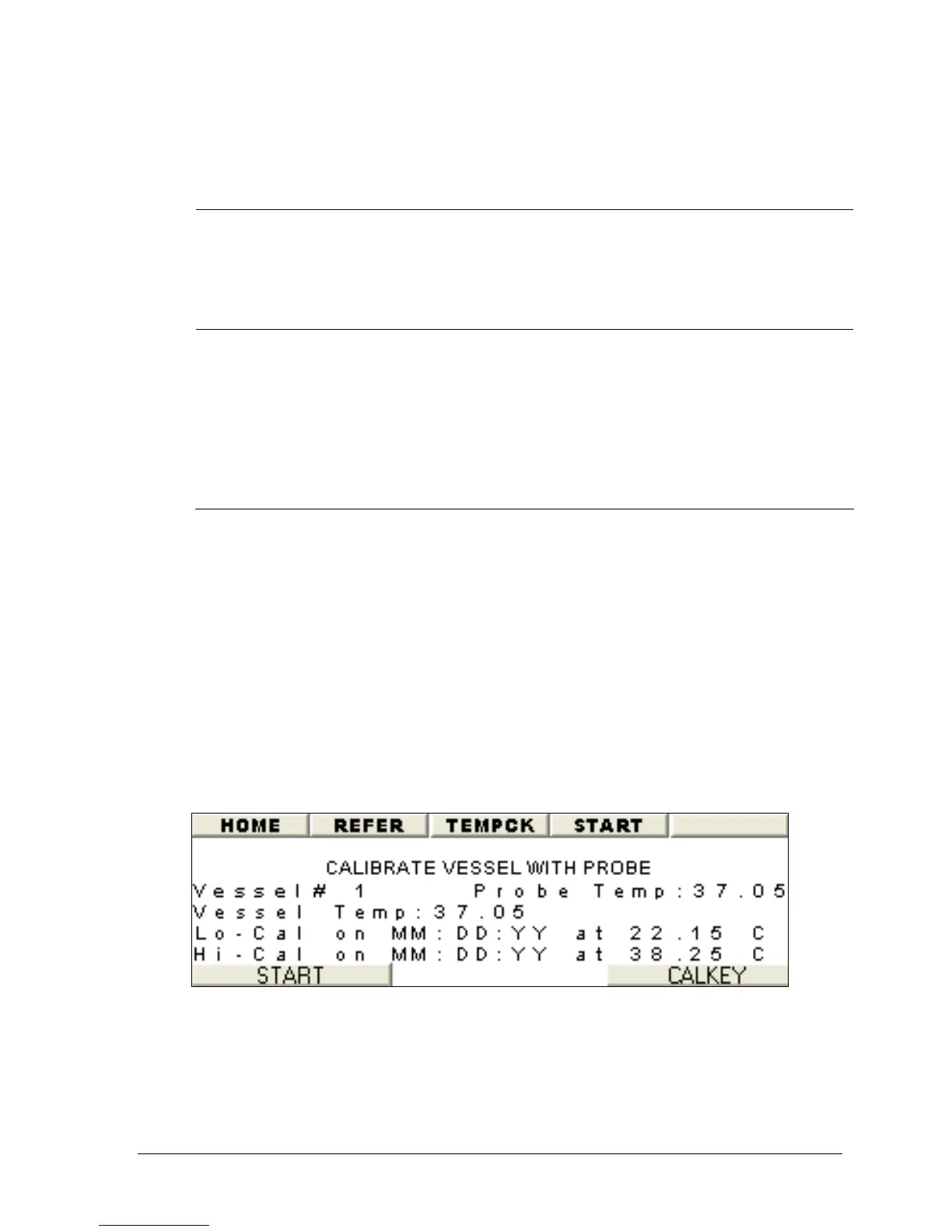
4. Set the vessel number on the screen using the + or – button (See Figure
3-14).
5. Wait for both calibration probe and vessel temperatures to stabilize.
6. Press START to calibrate the vessel.
7. Move calibration probe to next vessel to be calibrated.
8. Repeat step 2 through 5 until all vessels have been calibrated.
Figure 3-14: Calibrate with Calibration Probe



 To Next Page