Chapter 3: Operation
Operation Manual: Evolution Series
Calibrate Using TempChek Digital Thermometer
Each original probe, including the calibration
probe, was factory calibrated before your
Evolution System was shipped. Low-Temperature
Calibration is only needed if the calibration
values are deleted, or a new probe is installed.
Otherwise, proceed to High-Temperature
Calibration.
The following steps describe the procedure for calibration:
1. Install 7 vessels with 900 mls of water.
2. Install all Paddle blades.
3. Connect TempChek to RS-232 port (located on the side of unit) using Distek-
supplied cable.
4. Place TempChek probe in vessel to be calibrated.
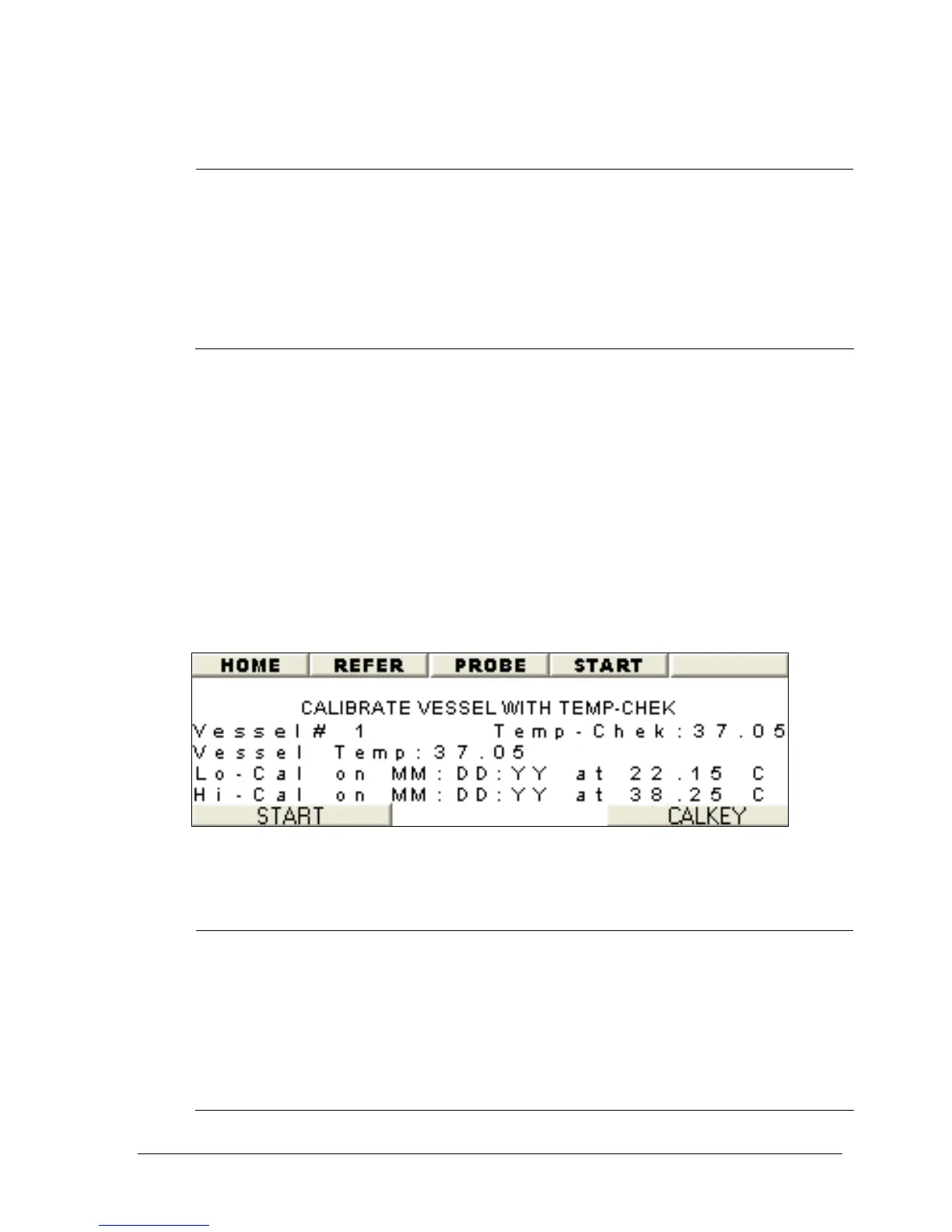
5. Set vessel number on the screen using the + or – button (See Figure 3-15).
6. Wait for both TempChek and vessel temperatures to stabilize.
7. Press START to calibrate.
8. Move the TempChek probe to next vessel to be calibrated.
9. Repeat step 2 through 6 until all vessels have been calibrated.
Figure 3-15: Calibrate using TempChek
Calibrate Using NIST-Traceable Reference Thermometer
Each original probe, including the calibration
probe, was factory calibrated before your
Evolution System was shipped. Low-Temperature
Calibration is only needed if the calibration
values are deleted, or a new probe is installed.
Otherwise, proceed to High-Temperature
Calibration.



 To Next Page