Chapter 3: Operation
Operation Manual: Evolution Series
This screen will disappear when the system has booted up and the following screen
will be displayed:
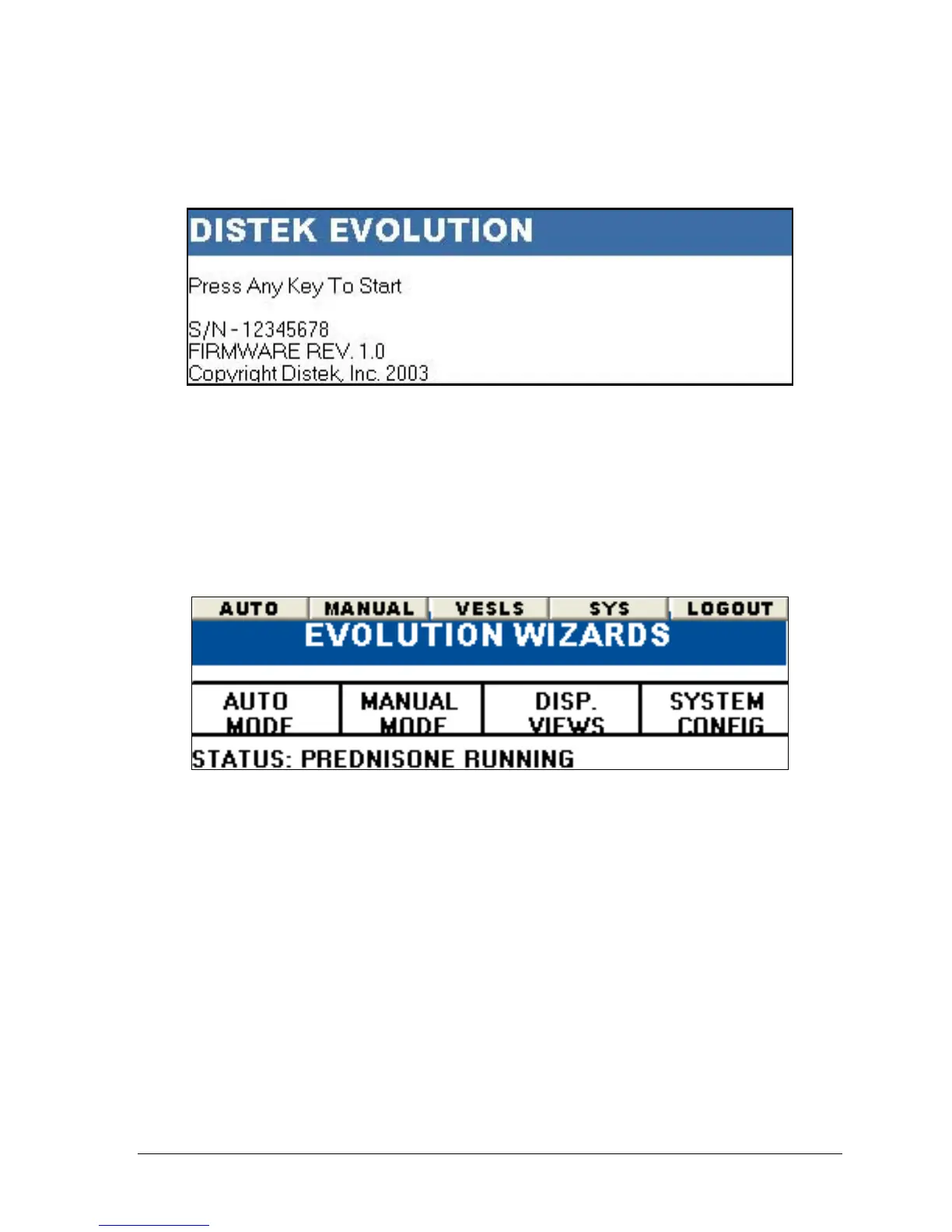
Figure 3-3: Welcome Screen
The serial number and firmware revision is displayed along with a message: “PRESS
ANY KEY TO START…” The system will proceed to the login screen after a key is
pressed or will automatically go to the login screen after about 10 seconds (see
Login Procedures on page 3-13).
After logging in to the system the Main menu will be displayed:
Figure 3-4: Main Screen
The menu bar at the top of the screen contains 5 buttons used to navigate through
the system. This format is consistent throughout the interface.
System Administration
The system section (“SYS” on the menu bar) of the unit allows access to system
setup, USER/MANAGER administration and calibration of the instrument.



 To Next Page