Chapter 3: Operation
Operation Manual: Evolution Series
Creating a New Account
The operator logged into the system must be part
of the Manager group to create a new user.
A maximum of 25 accounts can be created.
1. Highlight the SYS. menu or SYSTEM CONFIG button from the Main screen and
press ENTER (see Figure 3-4).
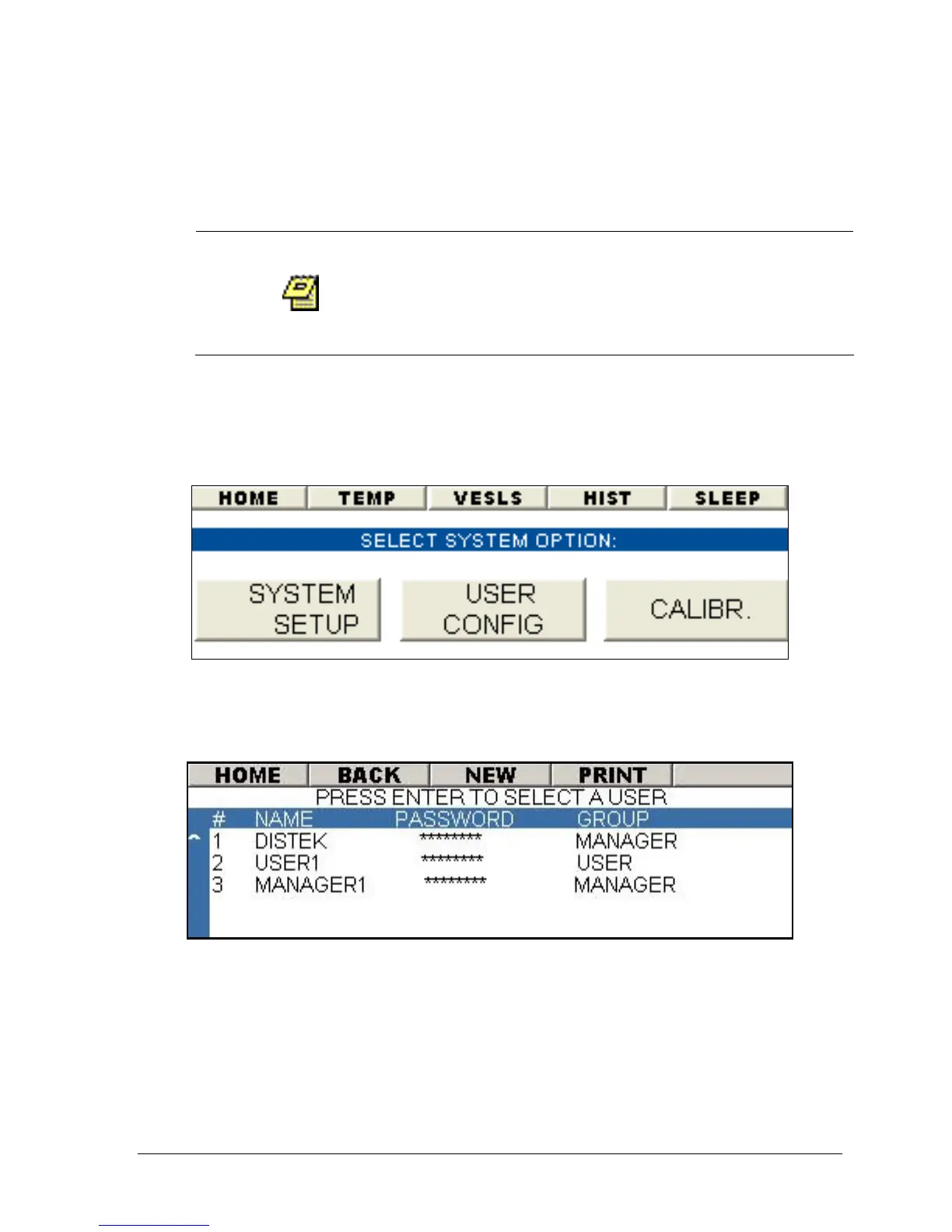
2. Highlight the USER CONFIG button and press ENTER (see Figure 3-11).
Figure 3-11: System Configuration Wizard
3. Highlight NEW from the menu bar and press ENTER (see Figure 3-12).
Figure 3-12: User Configuration Screen
4. The virtual keyboard screen will be displayed. Enter the username using
the keyboard. Use the arrow keys to navigate through the keyboard and
press ENTER to select an alphanumeric value (maximum of 8 characters).
5. Once the username is entered navigate to the OK button and press ENTER.



 To Next Page