Chapter 3: Operation
Operation Manual: Evolution Series
Printing a Saved Report
A printer must be connected to the unit via the
parallel port in order to produce a printout.
A maximum of 40 reports can be created.
1. Navigate to a screen that contains a HIST button on the menu bar such as
the AUTO MODE wizard screen (see Figure 3-23), the MANUAL MODE wizard
(see Figure 3-27) or most of the Display View screens.
2. Highlight the HIST menu and press ENTER.
3. The report screen (see Figure 3-21) will display the stored reports that have
been run on the instrument (maximum of 16 stored reports). Highlight the
desired method from the list using the arrows keys and press ENTER.
4. Highlight the PRINT menu and press ENTER.
Working with Methods (Automatic Mode)
The Evolution Dissolution System is capable of storing 100 methods. These pre-
programmed methods allow for quick and easy operation of the unit. While in
automatic mode the operator can perform the following method actions: new,
open, run, view current and print.
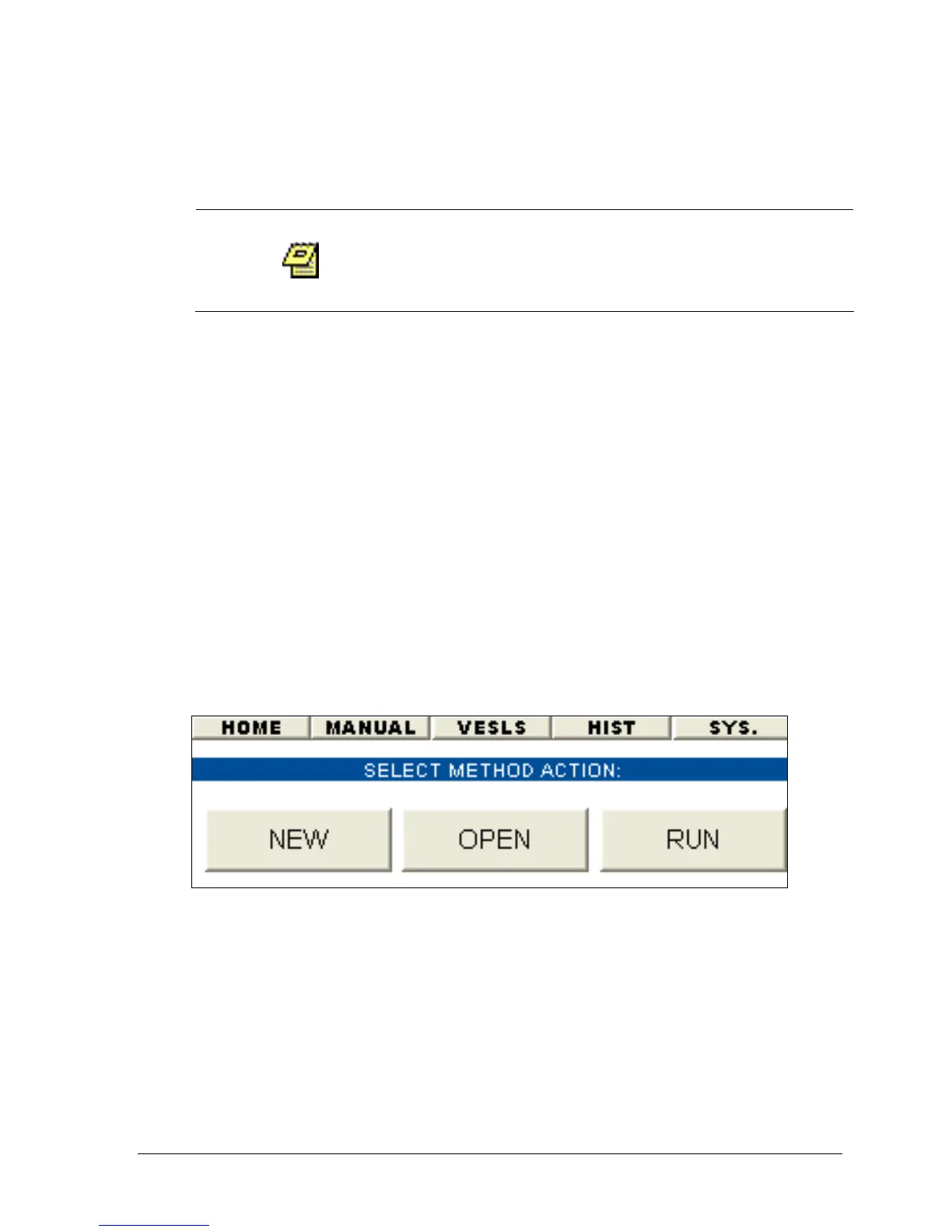
Figure 3-22: Auto Mode Wizard
Selecting a Method to Run
1. From the main screen (see Figure 3-4) select either the menu bar option
AUTO (go to step 3) or the AUTO MODE wizard button (display Figure 3-23).
2. Select RUN. The screen displayed will be similar to one in Figure 3-23.
3. Using the up or down arrow keys highlight a method from the method list.
4. Press the RUN/STOP or ENTER key to run the method.
5. Select YES from the displayed message.



 To Next Page