Chapter 3: Operation
Operation Manual: Evolution Series
through 4, highlight 6 and change this value to 4. The screen will now
display "VESSELS # 1 – 4".
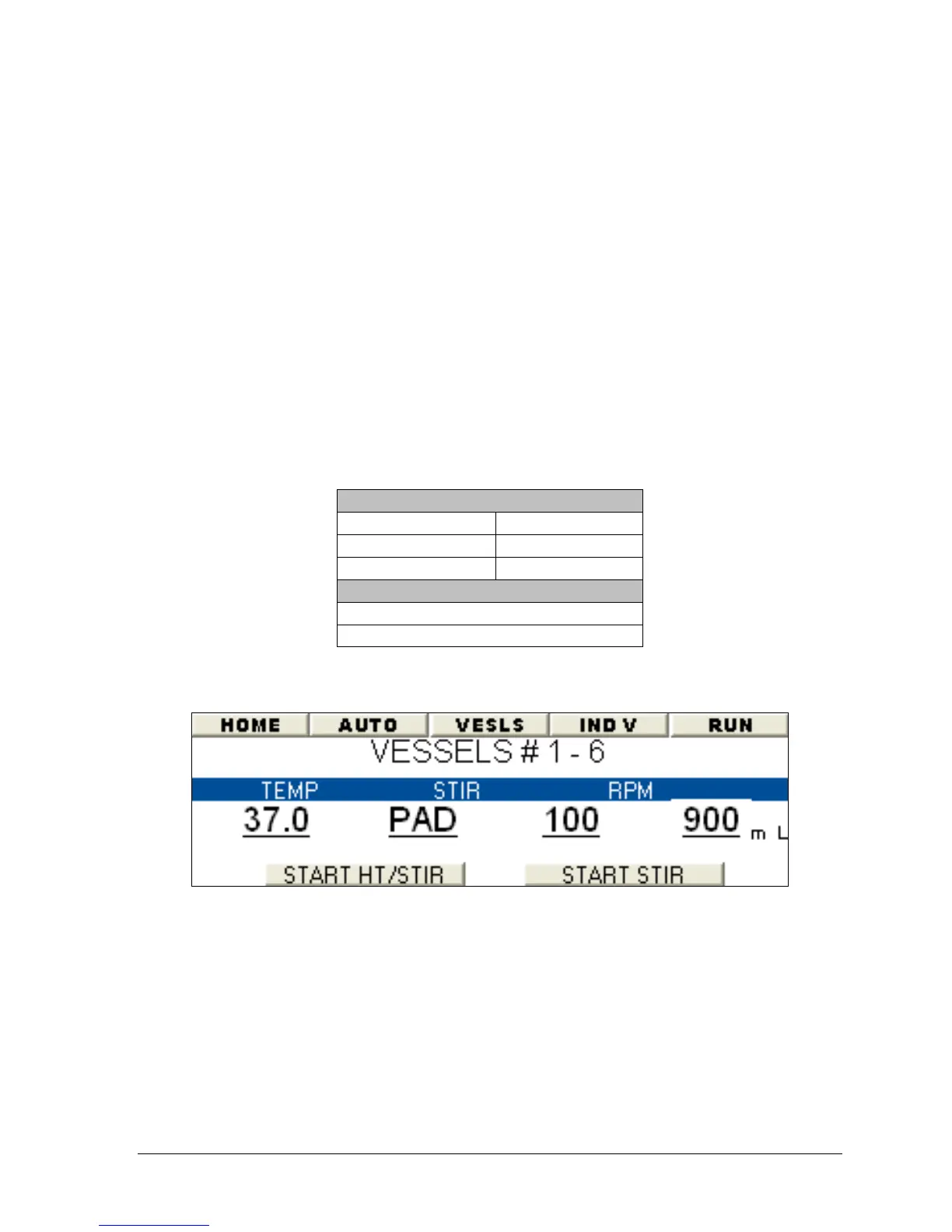
5. Highlight the TEMP field. Using the + and – keys change to the desired test
temperature.
6. Highlight the STIR field. Using the + and – keys change to the desired
stirring element (PAD for paddles or BAS for baskets).
7. Highlight the VOL field. Using the + and – keys change to the desired test
volume.
8. Highlight the RPM field. Using the + and – keys change to the desired test
RPM.
9. Highlight the START HT/STIR button and press the ENTER key to begin
heating and stirring. (This will activate the heater jackets on the Evolution
6100 or set the TCS temperature on the Evolution 6300.) The following
table lists the available button functions:
Evolution 6100
START HT/STIR STAR STIR
STOP HEATERS STOP HT/STIR
START HEATERS STOP STIR
Evolution 6300 (Only One Button)
START HT/STIR
STOP STIR
Figure 3-31: Manual Mode, All Vessels



 To Next Page