JT100/JT100 All Terrain Operator’s Manual Controls - 51
Right Control Console
Main Menu
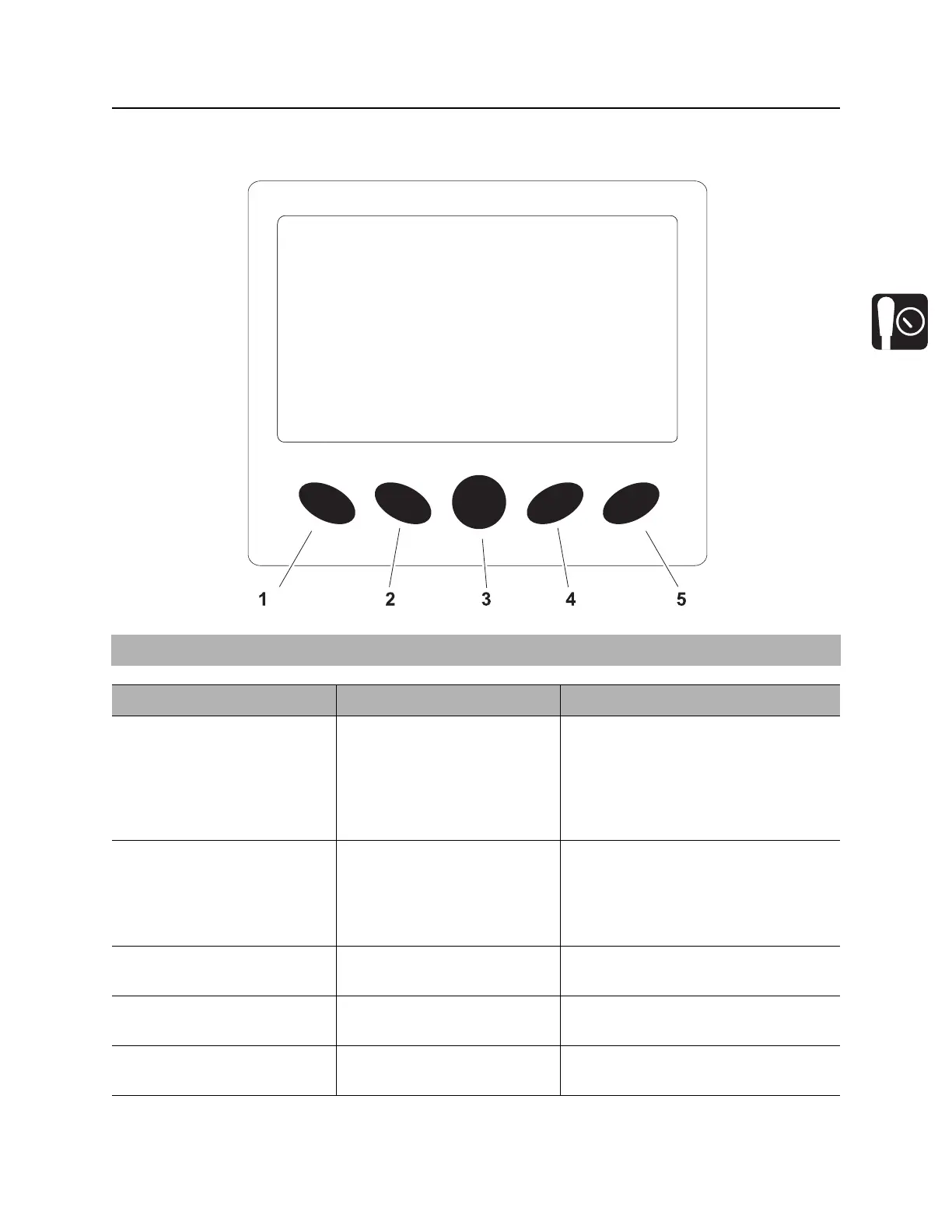
IMPORTANT: Soft key commands change with each menu screen and are displayed next to the key.
Item Description Notes
1. System settings key Press to select system
settings menu.
System settings menu displays
information about the system,
including exhaust cleaning options
(under Tier 4 menu). Diagnostic
information is only available to dealer
technicians.
2. User settings key Press to select user settings
menu.
User settings menu allows user to
change the language and unit
settings, brightness settings for
daylight and nighttime displays, and
to set the time and date.
3. Main screen key Press to return to main
screen (gauges).
4. Engine diagnostics key Press to select engine
diagnostics menu.
For dealer technician use only.
5. System operating info Press to show combined
system information screen.
For dealer technician use only.



 To Next Page