Drive - 108 JT40/JT40 All Terrain Operator’s Manual
Start Unit
Start Unit
1. Insert key.
2. Turn key clockwise. See page 23 for more information.
3. Run engine at low throttle for 5 minutes.
Steer Unit
To steer drilling unit, follow instructions for type of steering desired. See “Wireless
Remote Controller” on page 184.
Single Joystick Ground Drive
To steer while moving forward, push forward and then move to left or right. Drilling unit will gradually turn
to left or right.
To steer while moving backward, pull back and then move to left or right. Drilling unit will gradually turn
to left or right.
For tight steering in low speed, move control to center position and then to a corner. Tracks will counter-
rotate and turn drilling unit in a tight circle.
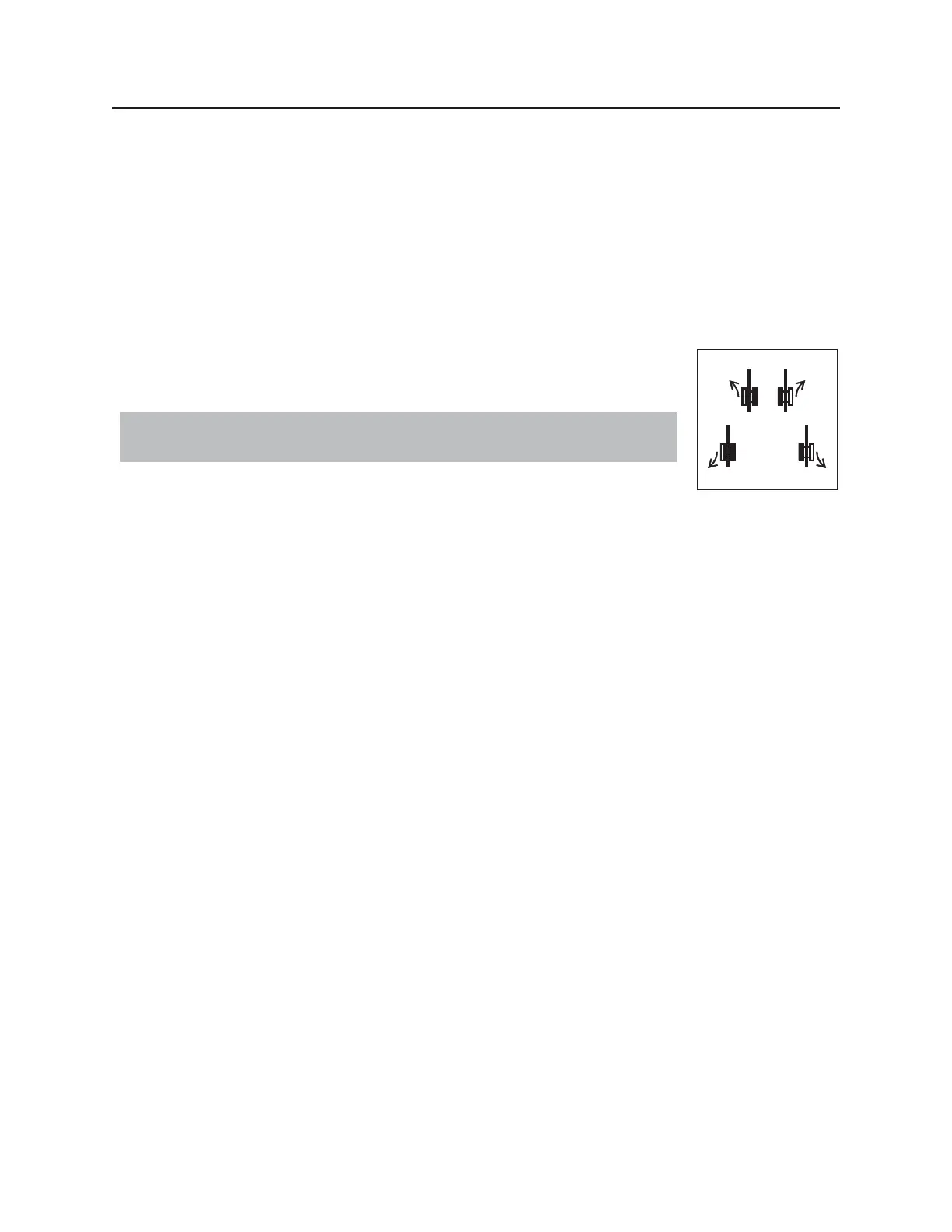
Dual Joystick Ground Drive
To steer while moving forward, move one control slightly more than the other to turn in the desired
direction. Drilling unit will gradually turn to left or right.
To steer while moving backward, move one control slightly more than the other to turn in the desired
direction. Drilling unit will gradually turn to left or right.
For tight steering at low speed, one control to reverse and one control to forward to turn in the desired
direction. Drilling unit will counter-rotate and turn drilling unit in a tight circle.
IMPORTANT: Operator station must be empty to operate wireless ground drive
control.



 To Next Page