JT40/JT40 All Terrain Operator’s Manual Controls - 45
Right Control Console
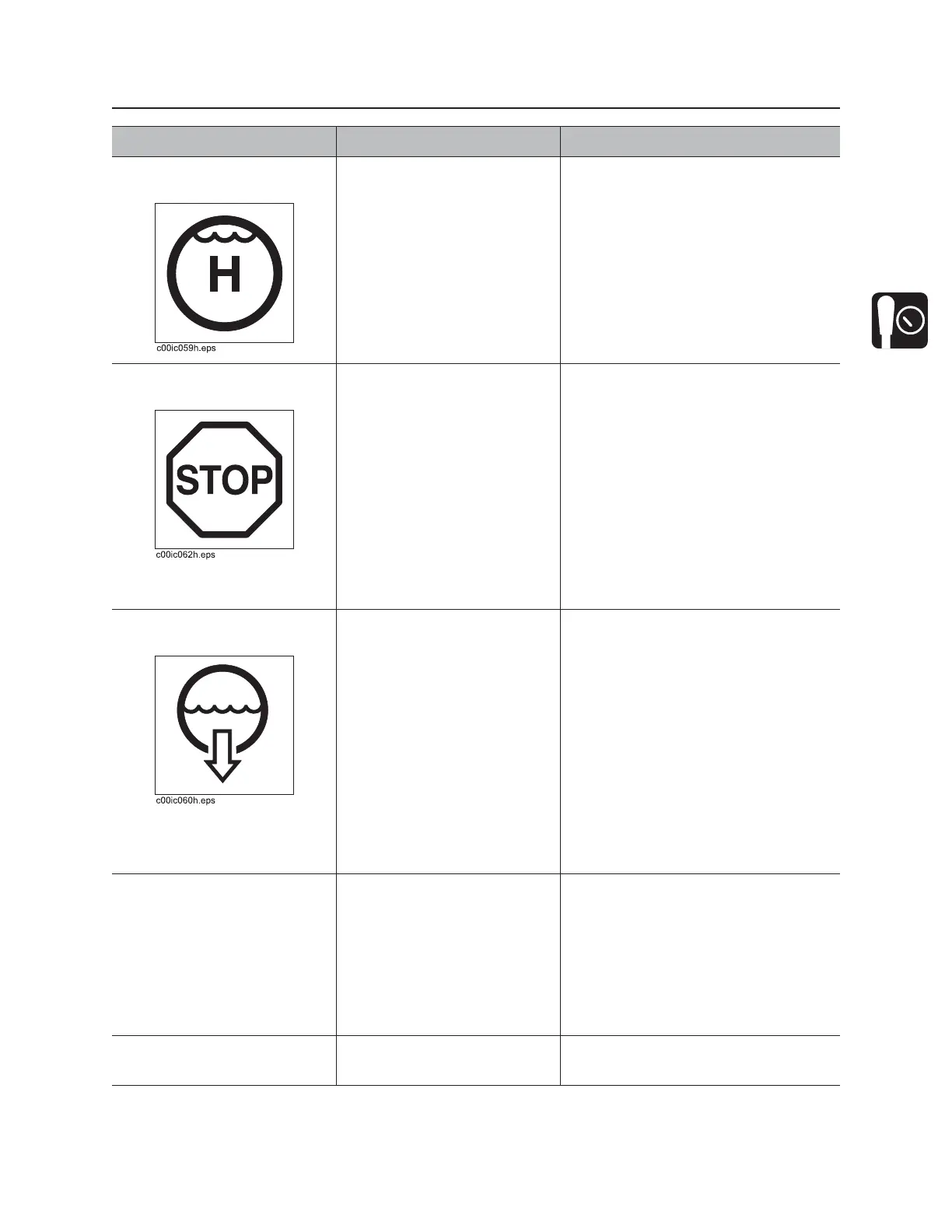
2. Drilling fluid quick fill
switch
For full pump flow to fill pipe
with fluid, press and hold.
To return fluid flow to flow
control setting, release.
IMPORTANT: Overrides fluid control
setting for full pump flow. Also
overrides temporary fluid shutdown
when front wrench is closed.
3. Remote engine stop
switch
To stop engine, press.
To restart engine, press
remote engine start switch
(page 35).
IMPORTANT:
• If this switch is used to stop
drilling unit, be sure to turn
ignition switch off if machine will
be left unattended for long
periods of time. Battery discharge
can occur.
• If wrenches are engaged when
remote stop is pressed, wrenches
will remain engaged but could
gradually open.
4. Drilling fluid pump
switch
To turn on, press once.
To turn off, press once.
IMPORTANT:
• Use rotary operation control to
control drilling fluid flow. See
“Rotary operation control” on
page 39.
• Drilling fluid pump switch and fluid
flow selector must be ON before
using rotary operation control to
control drilling fluid flow. See
“Fluid flow selector” on page 40.
5. Multi-use button To engage a function, push
and hold.
To return to normal operation,
release.
Operation Options:
• Two-speed carriage control
• Autocarve reaming and
positioning functions
• Interrupted makeup system
override
6. USB port Provides power for mobile
devices.
DC5V, 1A (5W)
Item Description Notes



 To Next Page