AS/400 User Guide
AS/400 Help
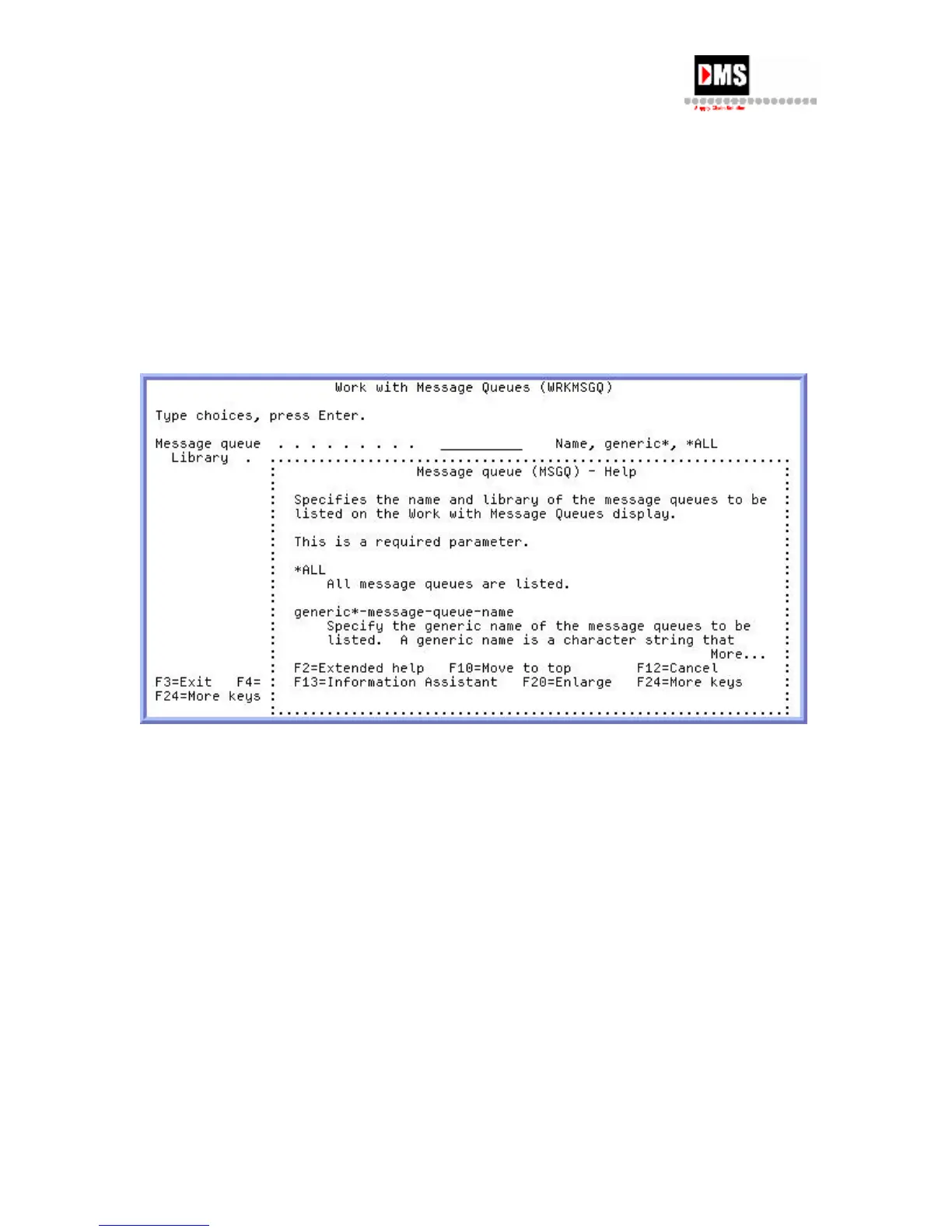
Press F1 key or the HELP key (depending on the terminal type) to access Help related to the
screen displayed. Once Help System displayed, typical actions include:
Press Page up or Page down keys to display additional information.
Use mouse to position cursor on highlighted (yellow) words and double-click to
display additional help
Press F3 key to exit Help.
Select function keys listed at the bottom of the screen for additional functions.
6 DMS Systems Corp.
October 13, 2003
Version 1.0



 To Next Page