AS/400 User Guide
Signing Onto the System
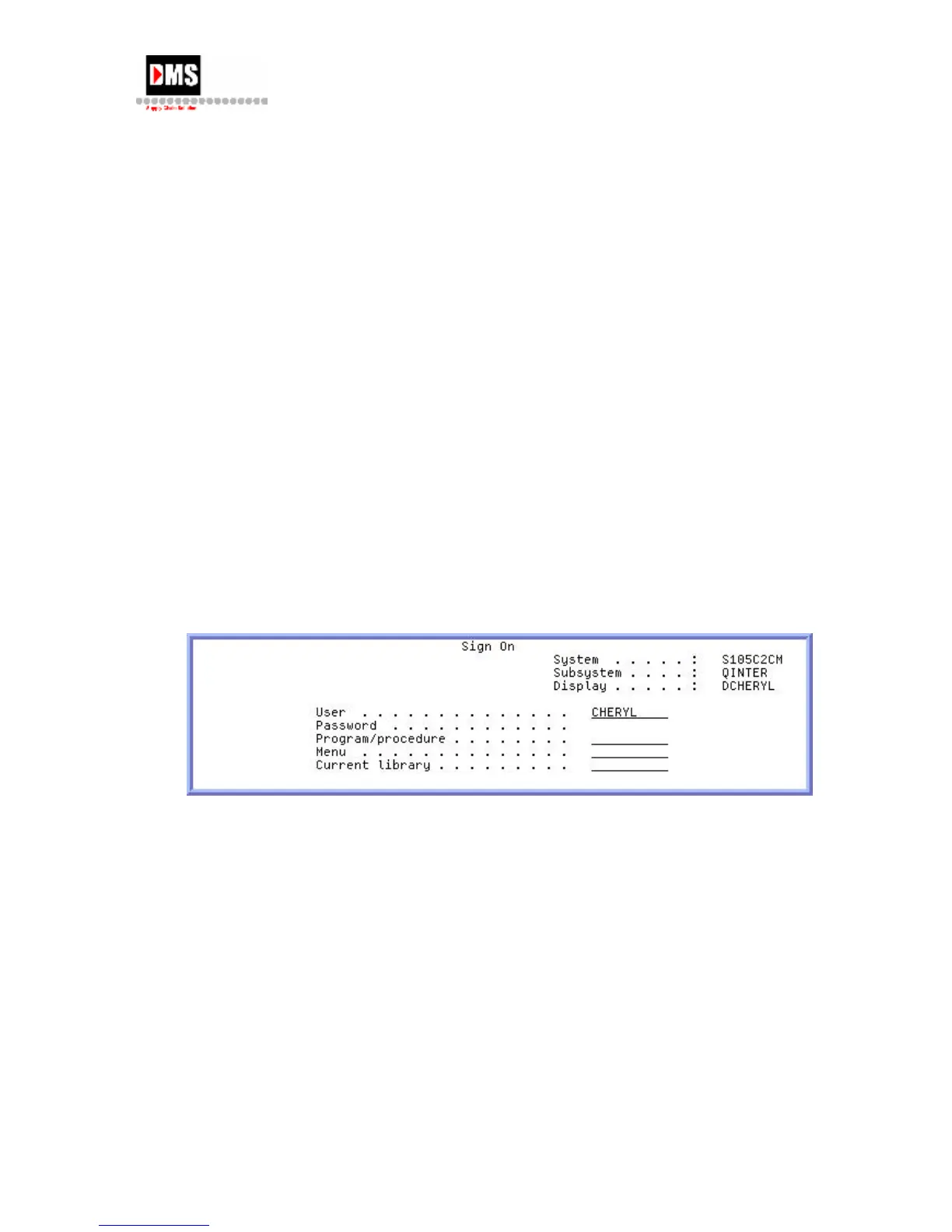
The top right corner of the Sign On screen shows the name of the system, the subsystem,
and the display station identifier (ID) signing onto.
Steps:
1. Type your user ID
2. Use the Tab key to move cursor to Password field for entry.
NOTE: The PASSWORD field is displayed only if password security is active.
3. Press the ENTER key.
4. Depending on options defined in your user profile, one or more of the following may
occur:
• The AS/400 Main Menu is displayed.
• Another menu is displayed.
• A program or procedure is run.
• A current library is inserted into your library list.
DMS Systems Corp. 29
October 13, 2003
Version 1.0



 To Next Page