AS/400 User Guide
IBM Program Temporary Fixes
IBM issues PTFs (Program Temporary Fixes) to update its OS/400 operating system, program
products and licensed internal code until new release versions are issued.
Warning: You are not notified by either IBM or DMS Corp. when PTFs are available.
It is your responsibility to order these PTFs directly from IBM. It is recommended
that you order PTFs every 6 months to ensure your operating system has the latest
changes.
Steps:
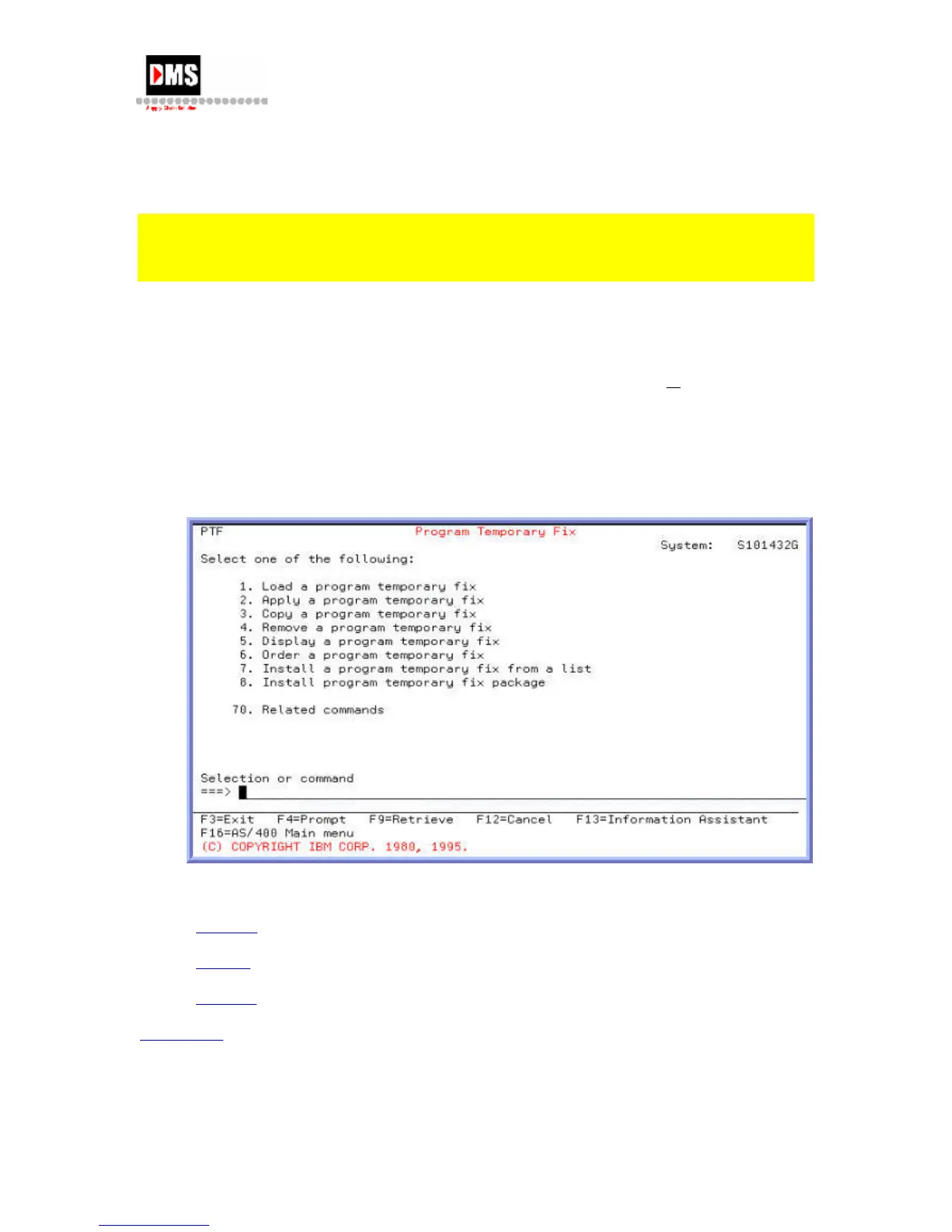
To access the Program Temporary Fix screen:
1. Type "GO PTF" on the command line and press F4 (PROMPT) key
or ENTER key
OR
• From Main Menu, select Option 7
• From Define or change the system, select Option 6
The PTF process is basically 3 steps:
1.
Ordering
2.
Loading
3.
Applying
Back to Top
DMS Systems Corp. 85
October 13, 2003
Version 1.0



 To Next Page