AS/400 User Guide
Screen Layout
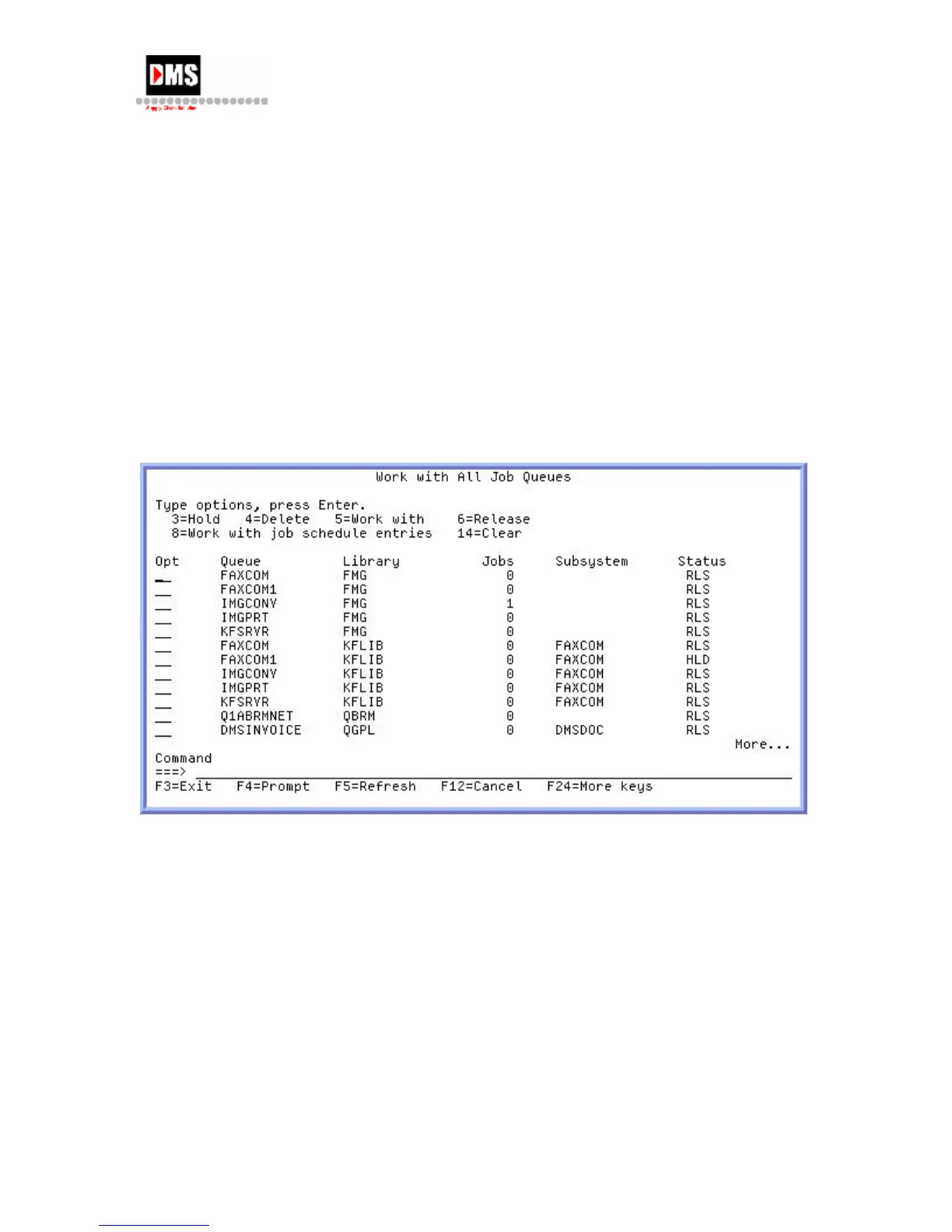
Screen Layouts: (top to bottom)
Screen Name
Selection List or tasks groupings that lead to more menus and/or functions that support or
accomplish the request.
Selection or Command line for entering:
Selection number from the displayed list
Command Language (CL)
Function Keys provide additional options and more flexibility in accessing the System.
Screen Bottom Left displays messages or warnings, such as "Function Key not allowed".
DMS Systems Corp. 7
October 13, 2003
Version 1.0



 To Next Page