AS/400 User Guide
Saving Libraries to Tape
Saving libraries to tape is how you archive, distribute and backup data from the AS/400 so
you can restore in the event of a system crash. The basic way to save a library and all its
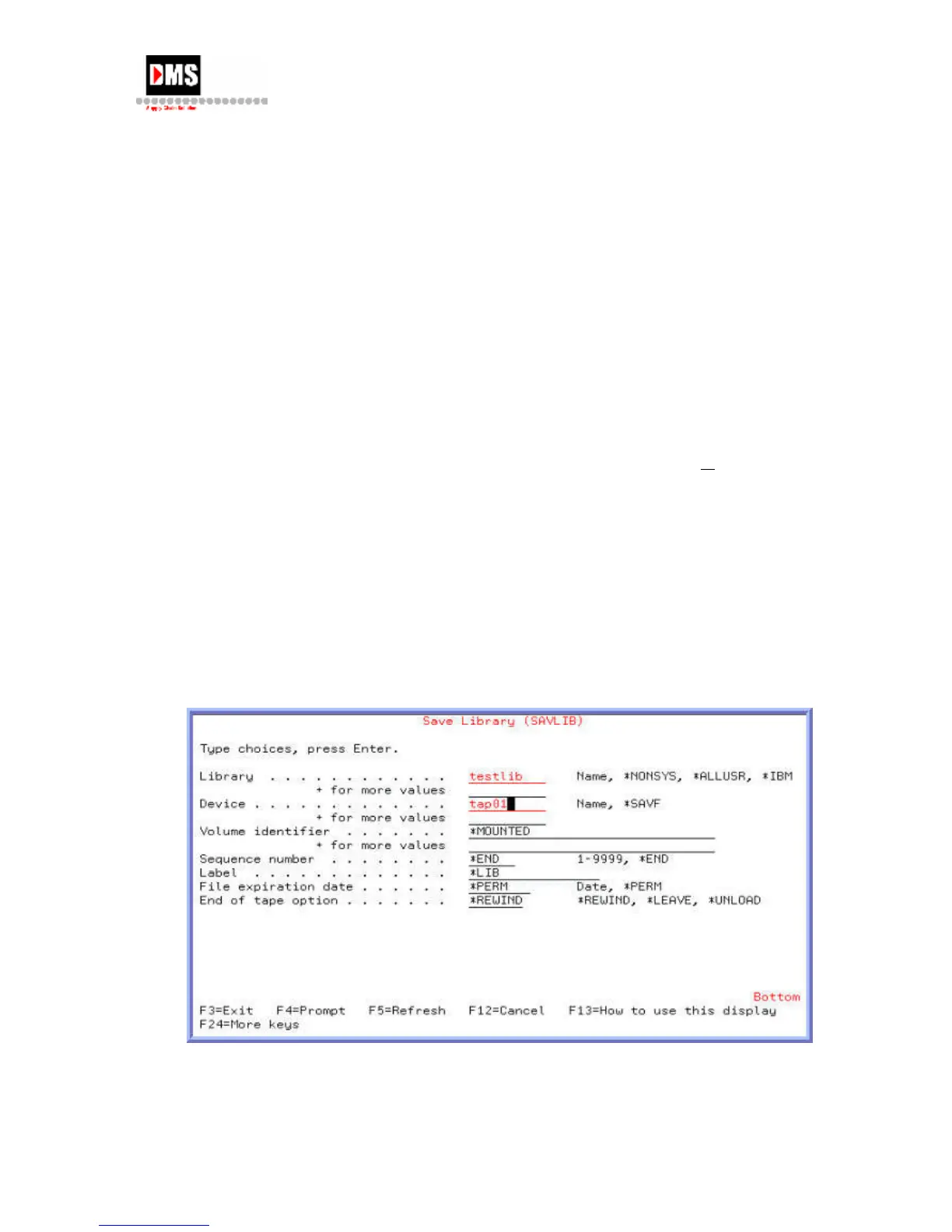
respective objects is to use the Save Library command.
You can save:
• Specific libraries by name
• List of library names or a generic name
• All non-System libraries by using the command *NONSYS.
Steps:
1. Type "SAVLIB" on the command line and press the F4 (PROMPT) key
or ENTER key
OR
• From Main Menu, select Option 3
• From General System Tasks, select Option 6
• From Save, select Option 2
• Save more than one library at a time by placing a (+) sign on the + for more
values line and pressing ENTER. A second screen allows entry of multiple
libraries.
DMS Systems Corp. 49
October 13, 2003
Version 1.0



 To Next Page