AS/400 User Guide
Working with Print Jobs
Users can change and control the interaction of print jobs with the AS/400. Display Messages
for the System Operator helps determine detailed information about a printing job. Reference
section on Working with Messages.
Each printer-specific message will be displayed on the System Operator message
queue. You are responsible for monitoring messages and taking appropriate action.
Example: Invoicing job may require a special form. A message to "Change Forms" will hold
up the print job until the user responds. You may have to align the forms and/or tell the
printer to continue printing from the point it stopped.
Steps:
1. Type "WRKCFGSTS *dev" on the command line and ENTER Key (all devices
displayed)
OR
• From Main Menu, select Option 3
• From General System Tasks, select Option 8
• From Device Operations select Option 1
• From Work With Configuration Status, press ENTER Key
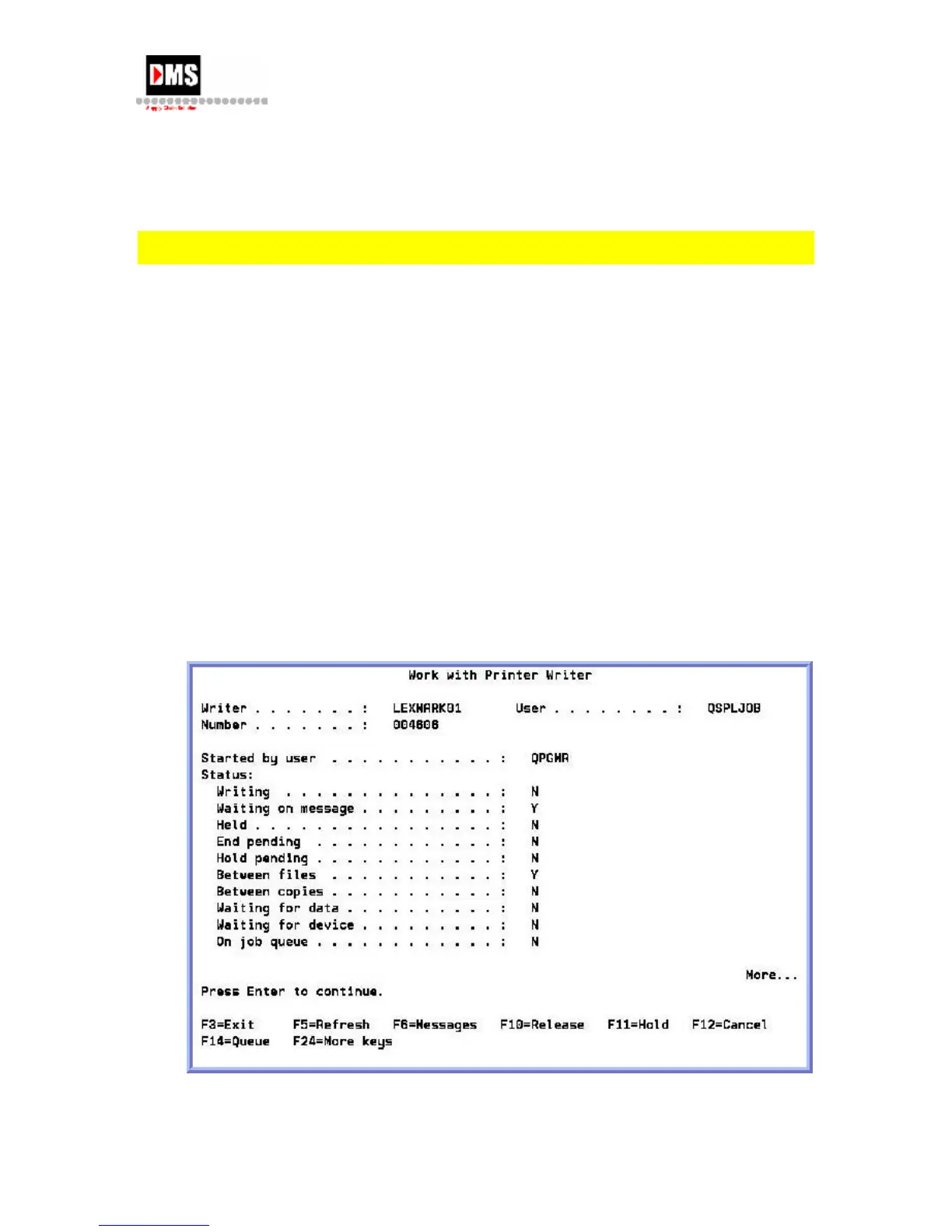
2. From Work with Configuration Status, enter Option 5 beside printer
3. From Print Writer, Press F6 for detail message information
DMS Systems Corp. 57
October 13, 2003
Version 1.0



 To Next Page