AS/400 User Guide
Communications
Remote Locations
The AS/400 uses lines and controllers to communicate with devices set up on the system both
locally and remotely. To monitor these you use the Communications Status display.
Instructions include:
• Lines Status
• Controllers Status
• Devices Status
Lines Status
Steps:
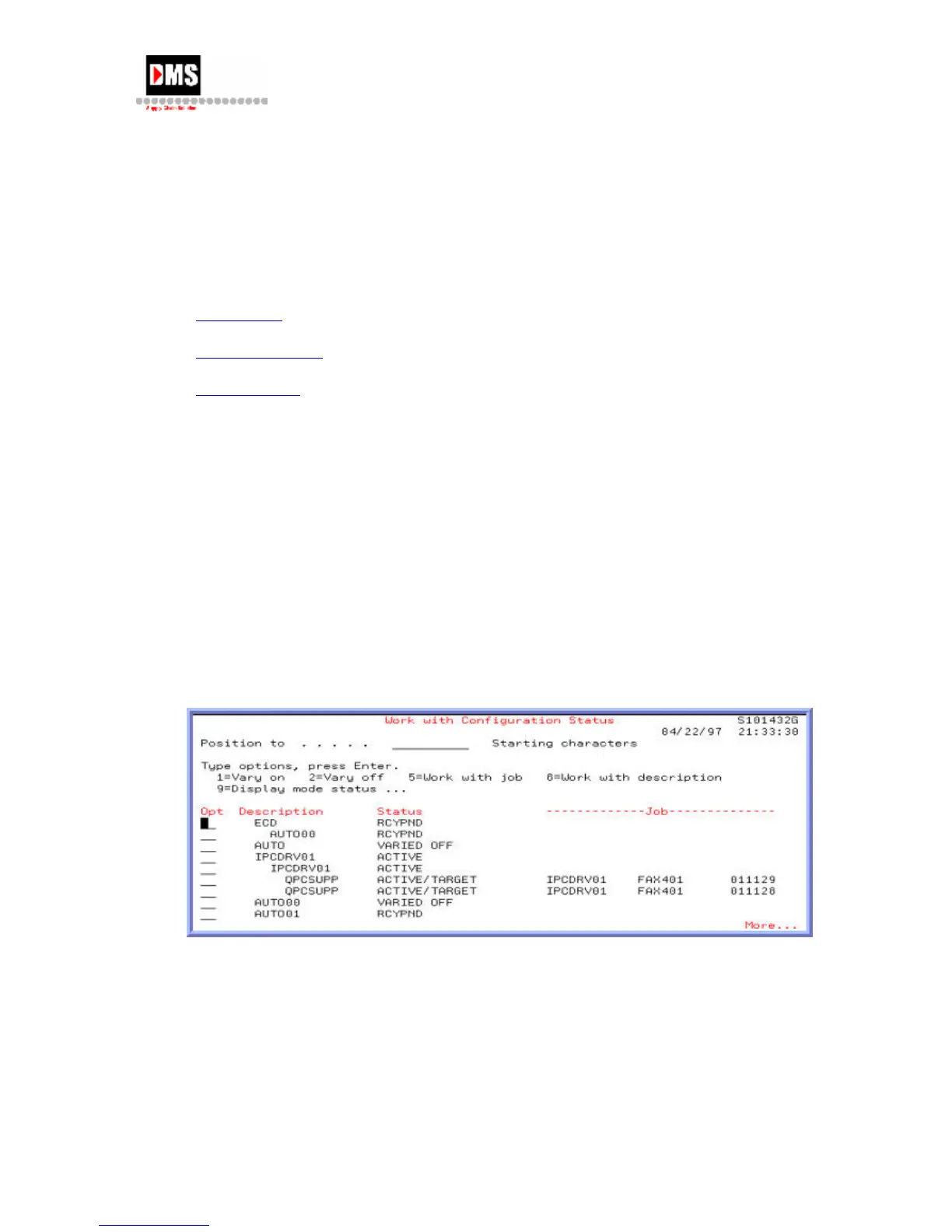
To access the Communications Status screen:
1. Type "WRKCFGSTS *lin" and press the ENTER key
OR
• From Main Menu, select option 6
• From Communications, select Option 1
• From Communication Status, select option 1
From this screen you can work with the lines in a variety of ways:
• You can vary lines on and off, work with jobs or with line descriptions.
• Using the function keys you can F14=Work with Lines to change, copy, delete, display
or create new lines.
• Using F23=More Options you can hold devices, end recovery, release devices, resume
recovery or display communications status.
DMS Systems Corp. 63
October 13, 2003
Version 1.0



 To Next Page