AS/400 User Guide
Tape Operations
Working with Tape Devices
Working with tape devices is the only way of making sure that data and operating systems can
be recovered in the event of a major system crash. It is through the tape device that you
save and restore new programs and updates as well as archived data. To verify your tape
device is connected to the system and is operational you need to check its status.
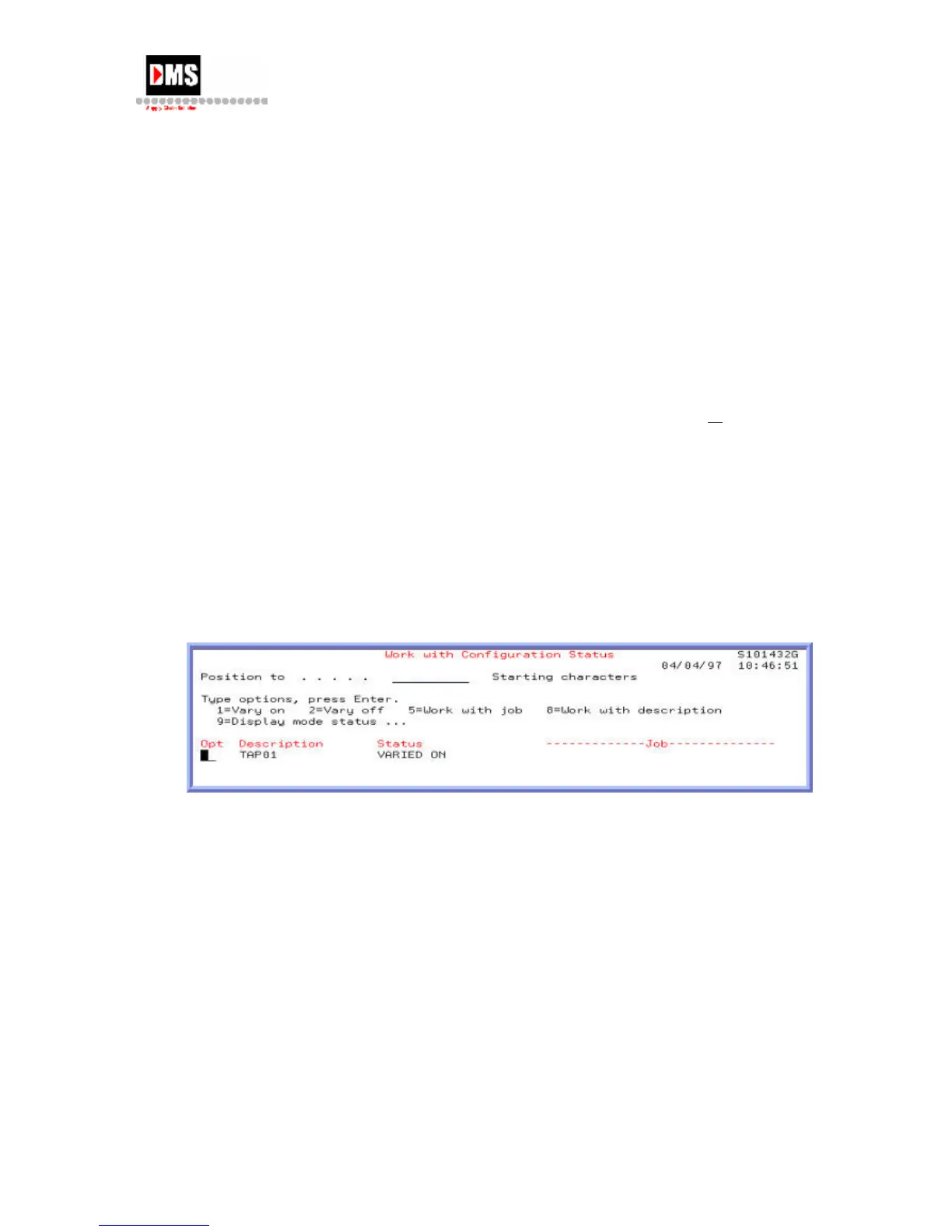
The following process shows the name of the tape device and it operational status. You have
the option to vary on or off the device, work with any jobs on the device or display
descriptions of the jobs.
Steps:
1. Type "Go TAPE" on the command line and press the F4 (PROMPT) key
or ENTER key
OR
• From Main Menu, select Option 3
• From General Systems Tasks, select Option 8
• From Device Operations, select Option 4
2. From Work with Tape Device Status, select Option 6
DMS Systems Corp. 45
October 13, 2003
Version 1.0



 To Next Page