AS/400 User Guide
Device Management
Working with Devices
Users can change and control the interaction of physical hardware with the AS/400. Physical
hardware includes displays, printers, tape drives, controllers, and virtual devices. Options are
provided to diagnose and correct system problems relating to hardware.
Steps:
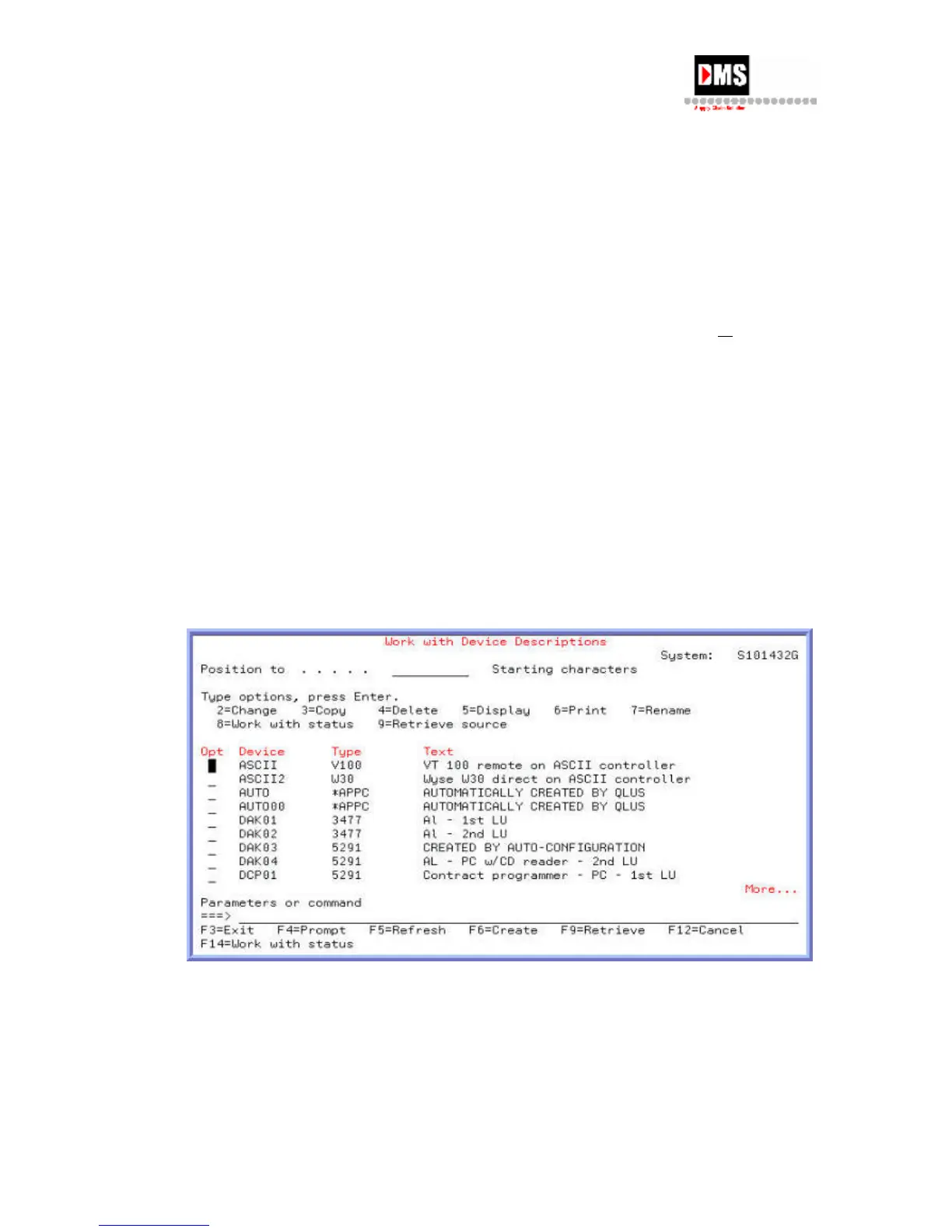
1. Type "WRKDEVD” on the command line and press the F4 (PROMPT) key
or ENTER
key. All devices installed are shown by default. To display a specific group of devices,
enter "WRKDEVD xxx" where xxx = device group name, such as *prt for printers.
OR
• From Main Menu, select Option 7
• From Define or Change the System, select Option 1
• From Configuration, select Option 1
• From Configure Devices and Communications, select Option 1
• On Configure Local Hardware, select the device type by enter the option on
the command line.
52 DMS Systems Corp.
October 13, 2003
Version 1.0



 To Next Page