AS/400 User Guide
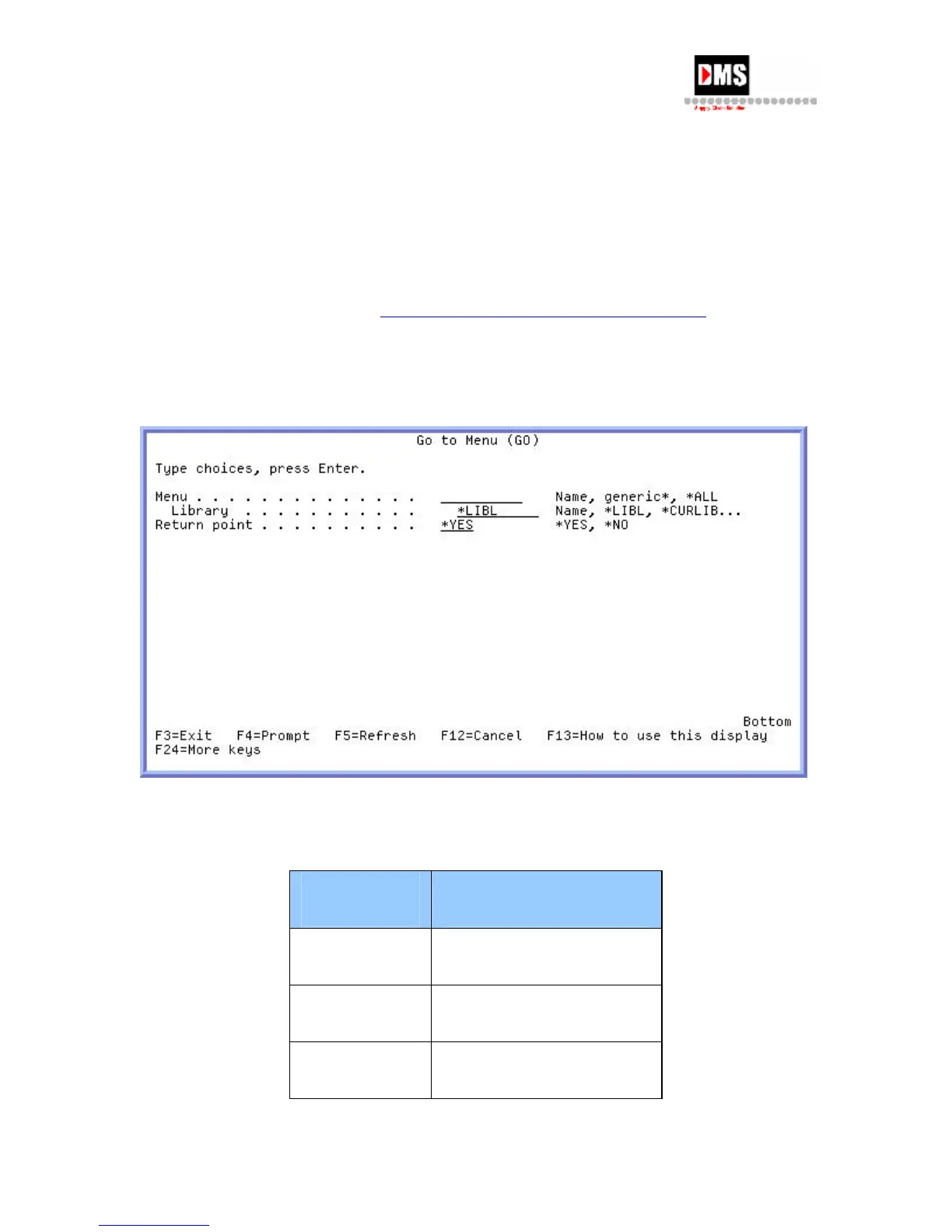
Go To Menu
Purpose: Go to another menu simply by typing in the name of the menu, a portion
of the menu name or "*ALL".
Audience: System Operator
Navigation: Option 9 from Main Menu
Comments: "*ALL" displays all menus on the AS/400 for selection from.
See list below for
Most Common Menus Called from Go To Menu.
To go to a menu shown in list, enter "Go Menu Name" in Parameters or
Command Line
Screen
Sample:
Most Common Menus Called from "Go To Menu"
The Menus give access to all the tasks that execute similar functions.
Name Description
CFG Configuration
CMN Communications
CMNSTS Communication status
20 DMS Systems Corp.
October 13, 2003
Version 1.0



 To Next Page