AS/400 User Guide
Back to Top
Stop A Printer
To make physical changes to the printer or to diagnose problem, the printer must be varied
off. it is a good idea to also END the printer.
1. Type "WRKWTR" on the command line and press the ENTER key to display a list of
printers and the status of the writers.
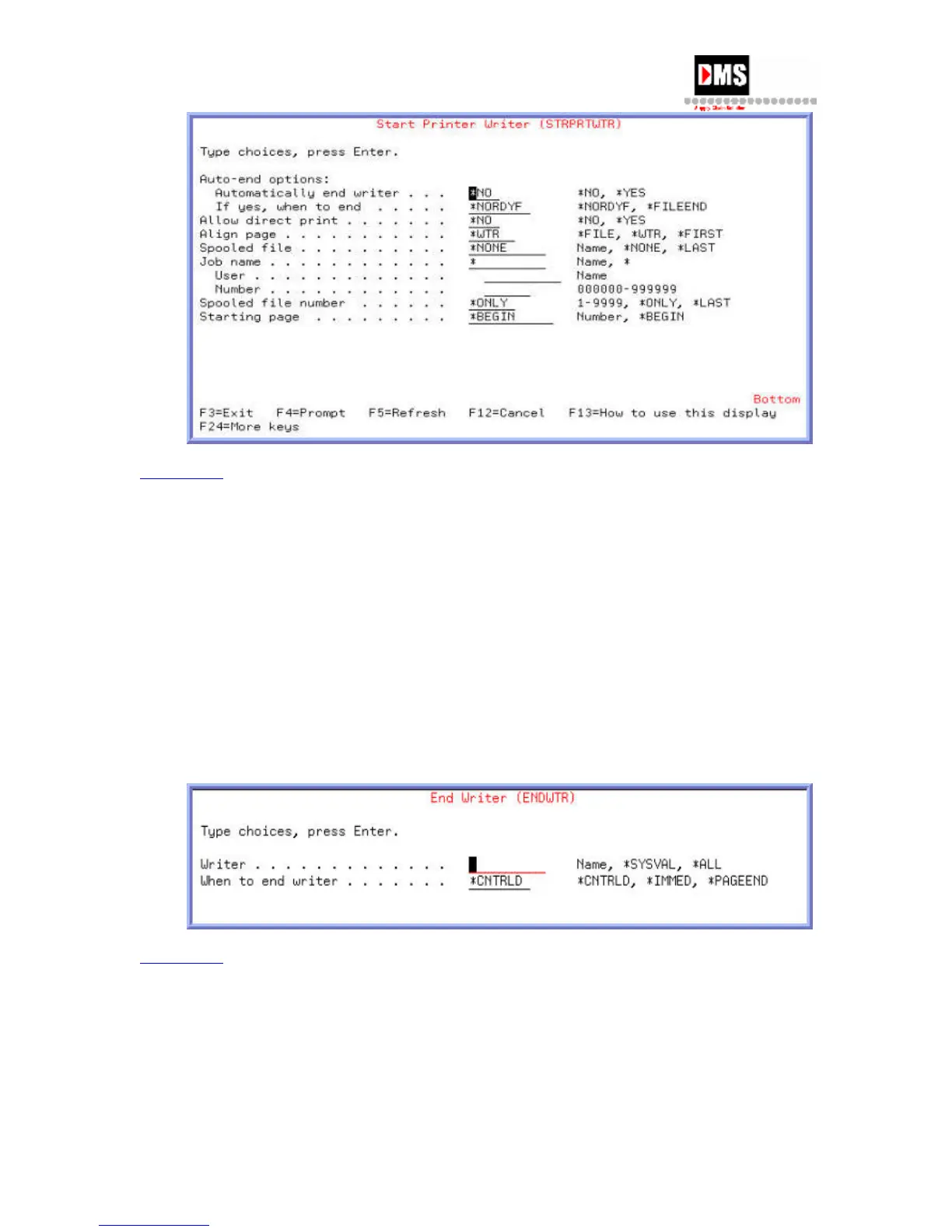
2. Type "ENDWTR xxxx" ("xxxx" is the printer name) on the command line and press
ENTER key. The writer is ended.
3. From Work with Configuration Status, use option 2 to VARY OFF an active printer.
Note: After a printer has been ENDED it has to be STARTED again before it will print
output.
Back to Top
56 DMS Systems Corp.
October 13, 2003
Version 1.0



 To Next Page