AS/400 User Guide
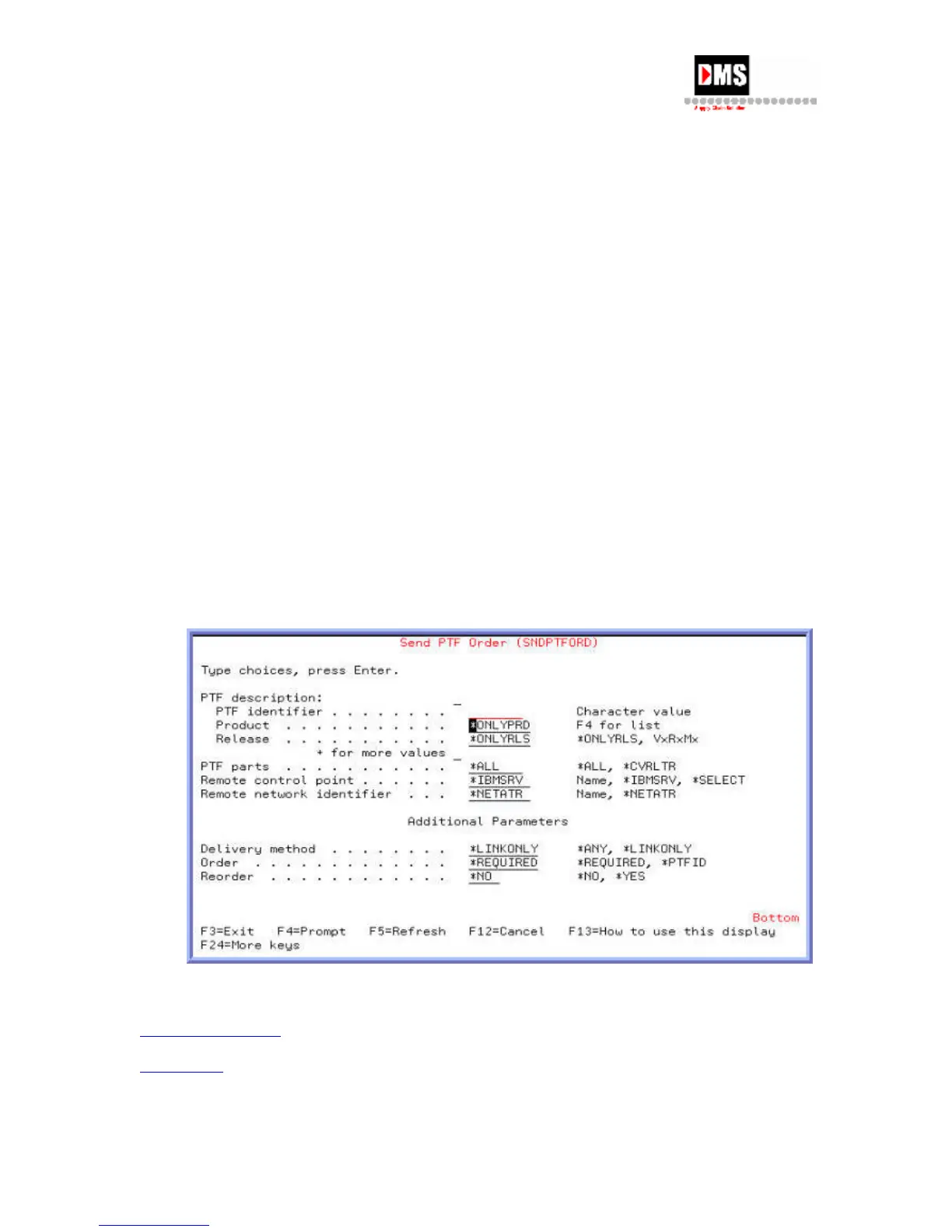
Ordering PTFs
Before ordering, contact IBM to obtain the CUMULATIVE PTF PACKAGE number for your
OS/400 version. A cumulative package includes all PTFs issued from the version release date
through the date of order. It ensures all the current fixes are delivered for applying to the
OS/400 operating system.
Each PTF is assigned a generic ID number. The format is SF99VRM where V=OS/400 version,
R=OS/400 release number and M=modification number ex. SF99V3R1M0.
Steps:
To order a PTF:
1. From Program Temporary Fix, select Option 6
2. Enter a PTF identifier (required to proceed).
3. At the end of the ordering screens, you will be prompted to verify your company
contact information such as address, phone number, contact name etc. When all the
request information has been entered press the ENTER key.
4. The order request is sent to IBM through ECS (Electronic Customer Support).
5. Upon receipt IBM sends the requested PTFs back either through ECS or on media (tape
or CD-ROM) (for large changes in terms of data)
Back to PTF Process
Back to Top
86 DMS Systems Corp.
October 13, 2003
Version 1.0



 To Next Page