AS/400 User Guide
Back to Instructions
Back to Top
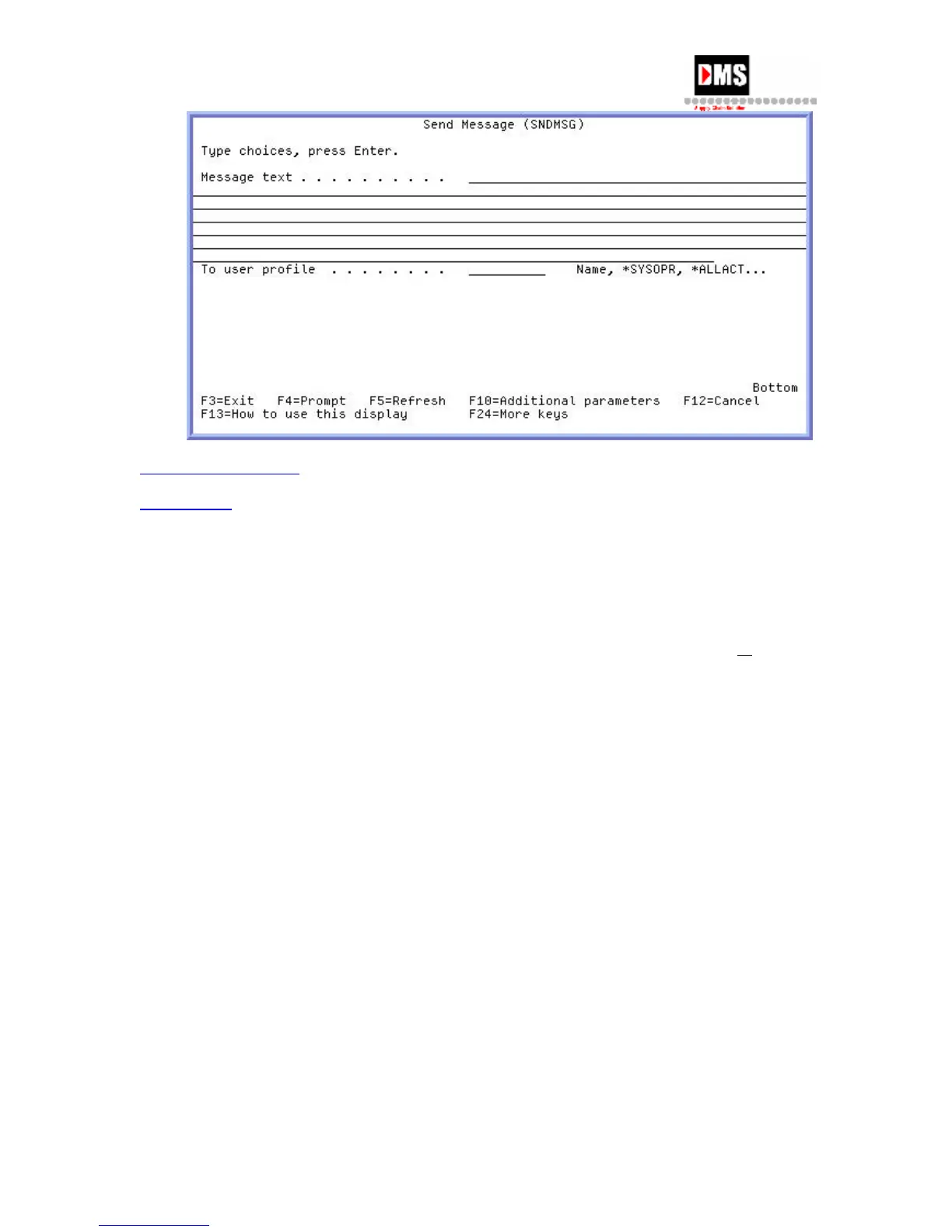
Send Break Message
A break message will interrupt a user’s session and display immediately on the user’s screen.
Steps:
1. Type "SNDBRKMSG" on the command line and press the F4 (PROMPT) key
or ENTER
key
OR
• From Main Menu, select Option 3
• From General System Tasks, select Option 4
• From Messages, select Option 2
2. Type message in the text and who it is to be sent to.
3. Press the ENTER key.
32 DMS Systems Corp.
October 13, 2003
Version 1.0



 To Next Page