AS/400 User Guide
Back to Instructions
Back to Top
Remove Messages
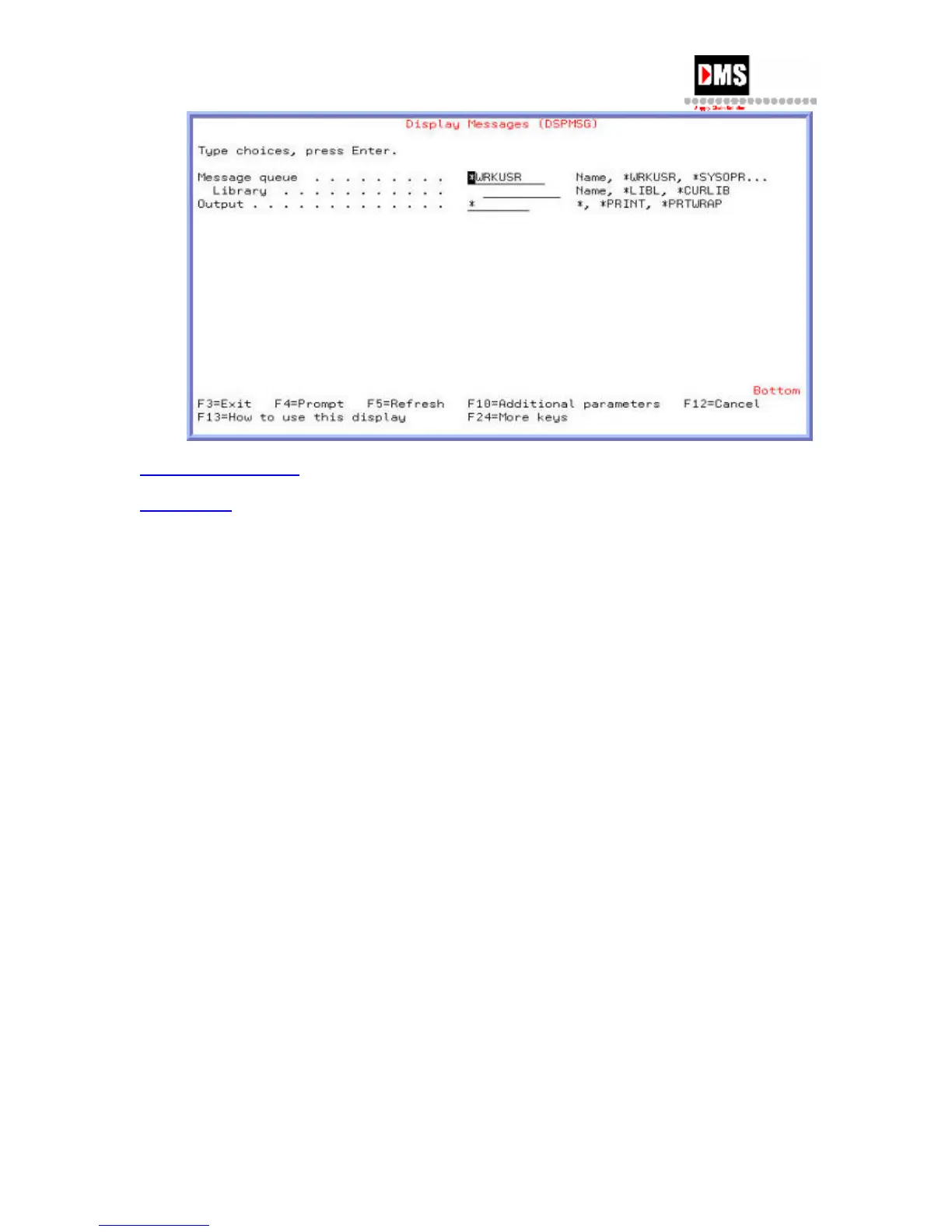
From the display message screen you have three options on how to remove messages from a
message queue.
• To remove a message, press F11 while the cursor is on the message you want
removed.
• To remove all messages, Press F13.
• To remove all except unanswered messages, press F16, leaving messages that
require a response so a further activity can occur.
34 DMS Systems Corp.
October 13, 2003
Version 1.0



 To Next Page