AS/400 User Guide
Applying PTFs
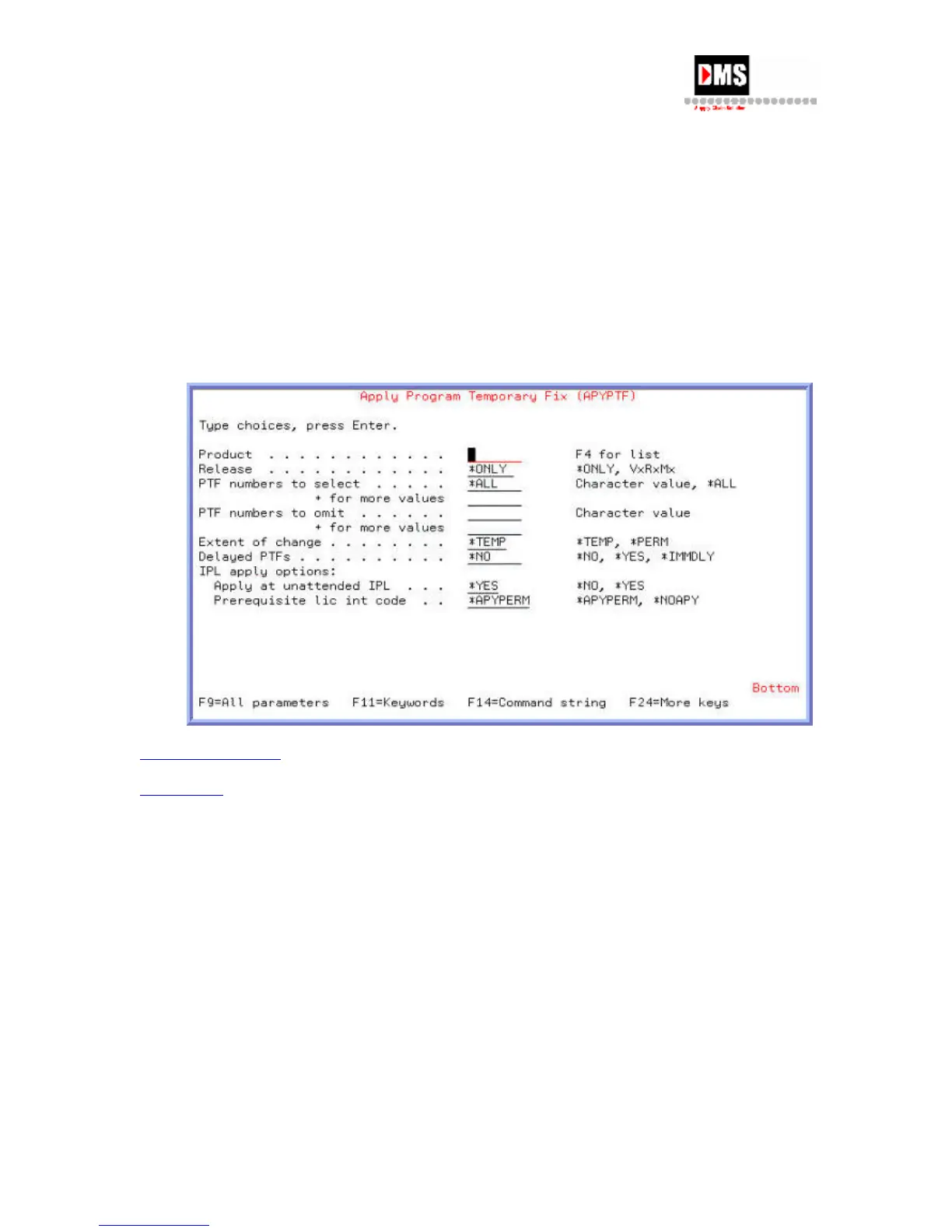
Once you have loaded the fixes that have been received you must then apply the PTFs onto
your system.
Steps:
1. From Program Temporary Fix, select Option 2.
2. Once the PTFs are applied, you must IPL (Initial Program Loaded) the system,
enabling the changes to take affect and become “permanent” until the next release
version is applied to the system.
Back to PTF Process
Back to Top
88 DMS Systems Corp.
October 13, 2003
Version 1.0



 To Next Page