42
Before using the terminal
Icon Status
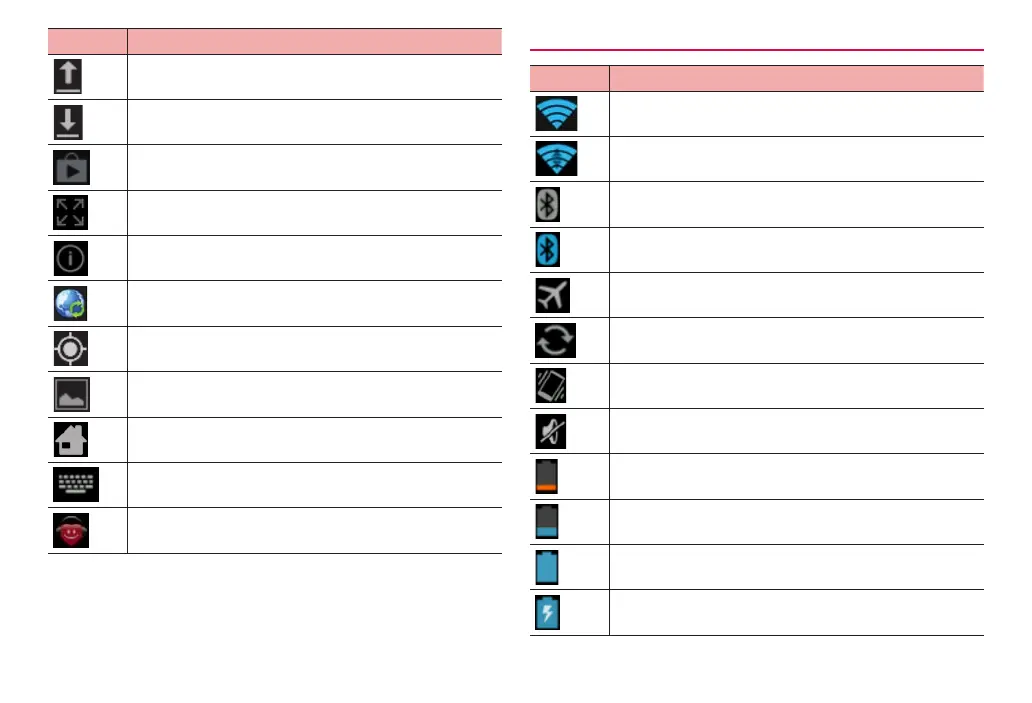
Uploading data
Downloading data
Application updates in Google Play / Installing application
from Google Play is complete
Displaying application enlargeable in screen
Application updates in dmarket
Software update available
GPS positioning
Saving screenshot is complete
Notification for docomo Palette UI or other
Keyboard is displayed
Anshin Remote Support is running
Main status icons
Icon Status
Connected to Wi-Fi network
Data communicating via Wi-Fi network
Bluetooth is activated
Connected to Bluetooth device
Airplane mode is set
Synchronizing data
Silent mode (Vibrate) is set
Silent mode (Mute) is set
Battery is nearly empty
·
Charge the battery.
Battery level is low
Battery level is enough
Charging



 To Next Page