81
Settings
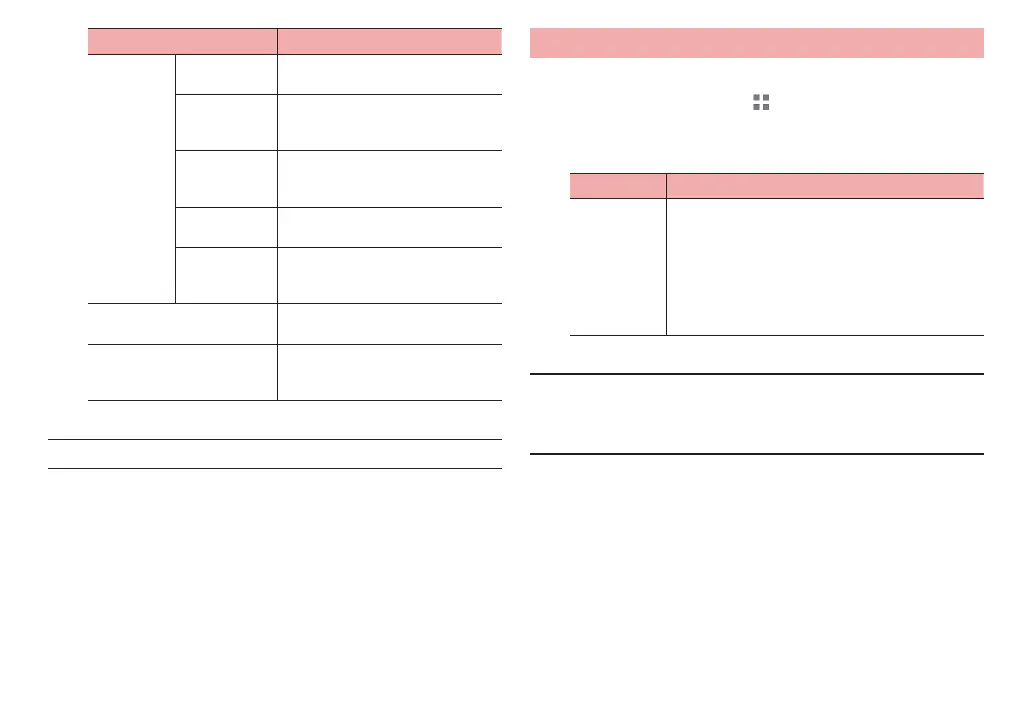
Item Description
Voice
Search
Language Set language to be used for Google
voice typing.
Speech output Select whether to enable voice
output always or only when using a
hands-free device.
Block
offensive
words
Set whether to show inappropriate
search results for Voice Search.
Hotword
detection
Say Google to launch voice search.
Download
offline speech
recognition
Download language data for using
voice input of
fline.
Text-to-speech output Set the speech r
eadout engine,
readout speed, etc.
Pointer speed Set the movement speed of the
pointer when using a mouse or
trackpad.
■ Information
·
The terminal is not capable of Japanese text readout at time of purchase.
Reset tablet
Reset the terminal.
1
From the Home screen, → “基本機能/設定 (Basic
Functions/Settings)” → “Settings”
2
“Reset tablet”
Item Description
Factory data
reset
Erase data saved in the terminal such as Google
accounts, downloaded applications, etc. and return
to the default.
·
Back up important data before performing the
operation.
·
To delete all data, including captured photos,
downloaded music, etc. simultaneously, mark
“Erase internal storage”.
■ Information
·
Resetting returns the terminal to its default state, and all settings are also
returned to their default states. To delete only data such as captured photos,
downloaded data, etc., in the Settings menu, tap “Storage” “Erase
internal storage” (P. 73).



 To Next Page