80
Settings
■ If security unlock failed
If a pattern, PIN, or password is set and entry has failed 5 times in a row,
a prompt to enter again appears 30 seconds later.
·
Note that if you have forgotten the pattern, PIN, or password for unlocking
the screen, you cannot unlock the screen.
If you cannot unlock the screen by face recognition, enter the pattern/PIN
set for Face Unlock.
Permitting to install unknown sources applications
Permit to install unknown sources applications such as applications
provided by third parties.
·
To protect the terminal and personal data content, you should only
download applications from trusted sources such as Google Play.
·
Pay attention to security when installing unknown sources applications.
1
From the Home screen, → “基本機能/設定 (Basic
Functions/Settings)” → “Settings”
2
“Security”
3
Mark “Unknown sources”
4
Read the content → “OK”
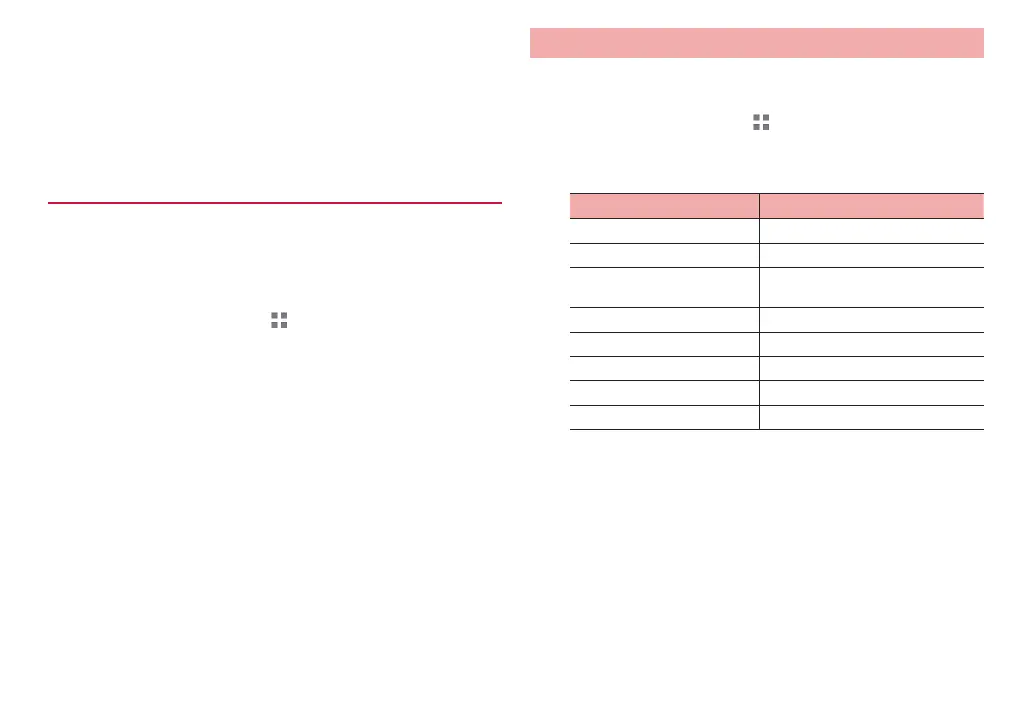
Language & input
Make settings for display language and keyboard used for character
entry.
1
From the Home screen, → “基本機能/設定 (Basic
Functions/Settings)” → “Settings”
2
“Language & input”
Item Description
Language Set display language.
Spelling correction Set whether to run spell check.
Personal dictionary Save words used for Android
keyboard.
Default Set keyboard.
Android keyboard P. 36
FSKAREN for Huawei P. 37
Google voice typing P. 38
Japanese IME P. 39



 To Next Page