108
Applications
Clock
Check time and set alarm.
1
From the Home screen, → “エンタメ/便利ツール
(Entertainment / Tools)” → “Clock”
❶
❷
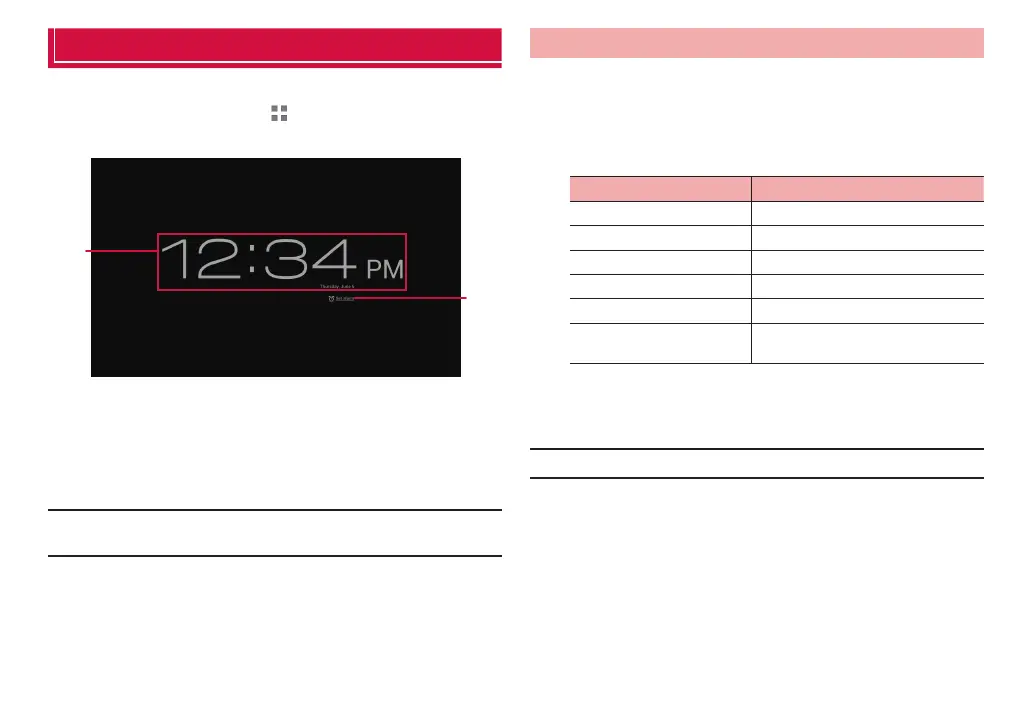
Desk clock screen
❶ Show current date and time.
❷ Tap to show alarm setting screen. If alarms are set, closest
alarm time appears.
■ Information
·
Tap the screen to darken the screen. Touch and hold the screen to show the
clock in full screen (blue text for date and time on black background).
Setting alarm
1
On the desk clock screen, “Set alarm”
The alarm setting screen appears.
2
“Add alarm”
3
Set required items
Item Description
Turn alarm on Activate/Deactivate alarm.
Time Set time.
Repeat Set to repeat.
Ringtone Set alarm sound.
Vibrate Activate/Deactivate vibration.
Label Enter message which appears at the
alarm time.
4
“OK”
An alarm is added to the alarm setting screen.
■ Information
·
Mark/Unmark alarm on the alarm setting screen to set alarm ON/OFF.



 To Next Page