D O D T E C H N O L O G I E S , I
Rev 12.109
Page 10
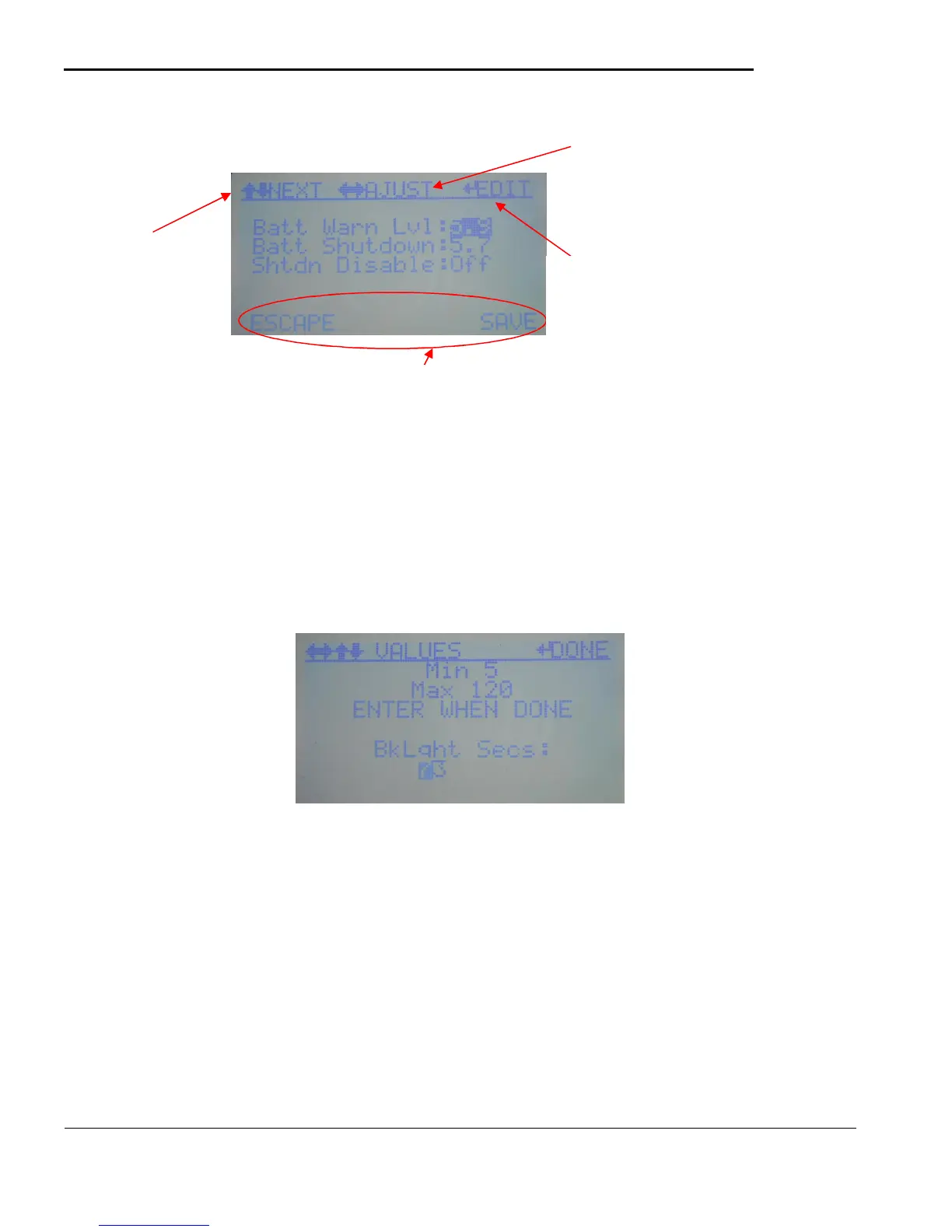
Figure 5.3
Some data items require detailed editing as shown in figure 5.3 When the ‘EDIT’ item appears on the top
row for a highlighted value the operator can either use the LEFT/RIGHT to change the value or use the
ENTER key to enter the value directly – see Detailed data entry below.
E) Detailed data entry – When detailed data entry is selected a screen similar to Figure 5.4 will display
allowing the operator to enter each digit as desired similar to password entry
Figure 5.4
Use the LEFT/RIGHT keys to select each digit and the UP/DOWN to change the value of the selected
digit. The minimum and maximum allowed values will be displayed. Press the ENTER key when
complete to submit the new value and return to the previous data entry screen.
highlighted value
by using the
left/right keys.
item to edit
using
up/down
The bottom row shows available save/exit/escape options for each screen.
detailed editing
available for the
highlighted item.



 To Next Page