D O D T E C H N O L O G I E S , I
Rev 12.109
Page 14
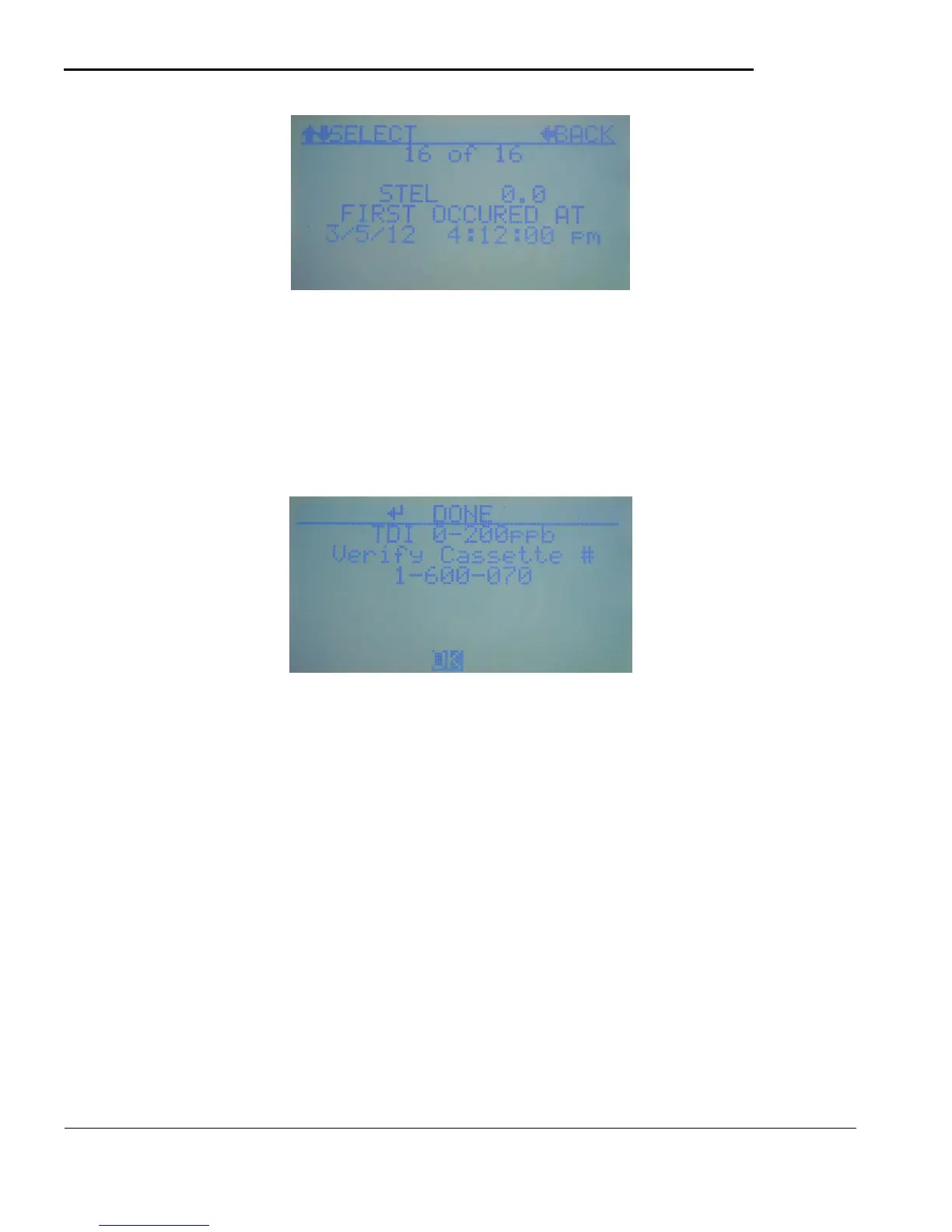
Figure 5.7
At the conclusion of each analysis cycle a new STEL value is added to the log. The time of the highest value
is displayed on the screen along with the STEL concentration value. Detailed information is also written to
the MicroSD card at the same time (if a properly formatted card is inserted).
5.2.f Verify Tape
When this item is selected a screen similar to Figure 5.8 will display showing the current selected gas and
which ChemLogic cassette should be inserted. Use this anytime to check that the proper tape is installed.
Figure 5.8
5.2.g Service
The Service Menu contains the screens necessary for testing and configuration of the CLPX. It is not
normally accessed after the machine is initially configured. See section 5.4 for details. Note that the Service
menu is always password protected.
5.2.h Help
The Help menu contains basic information on the operation of the CLPX. Browse through the help screens
using the UP/DOWN arrows and use the left arrow to exit back to the menu.
5.2.i Power Off
To power off the CLPX select this item and answer YES to the “Are you sure?” screen that appears. Note
that this screen can be quickly accessed by using the UP arrow from the top of the menu so the operator can
exit analysis, press UP to get to this item then ENTER and answer YES to power off quicly.



 To Next Page