D O D T E C H N O L O G I E S , I
Rev 12.109
Page 4
Chapter 2 - Features
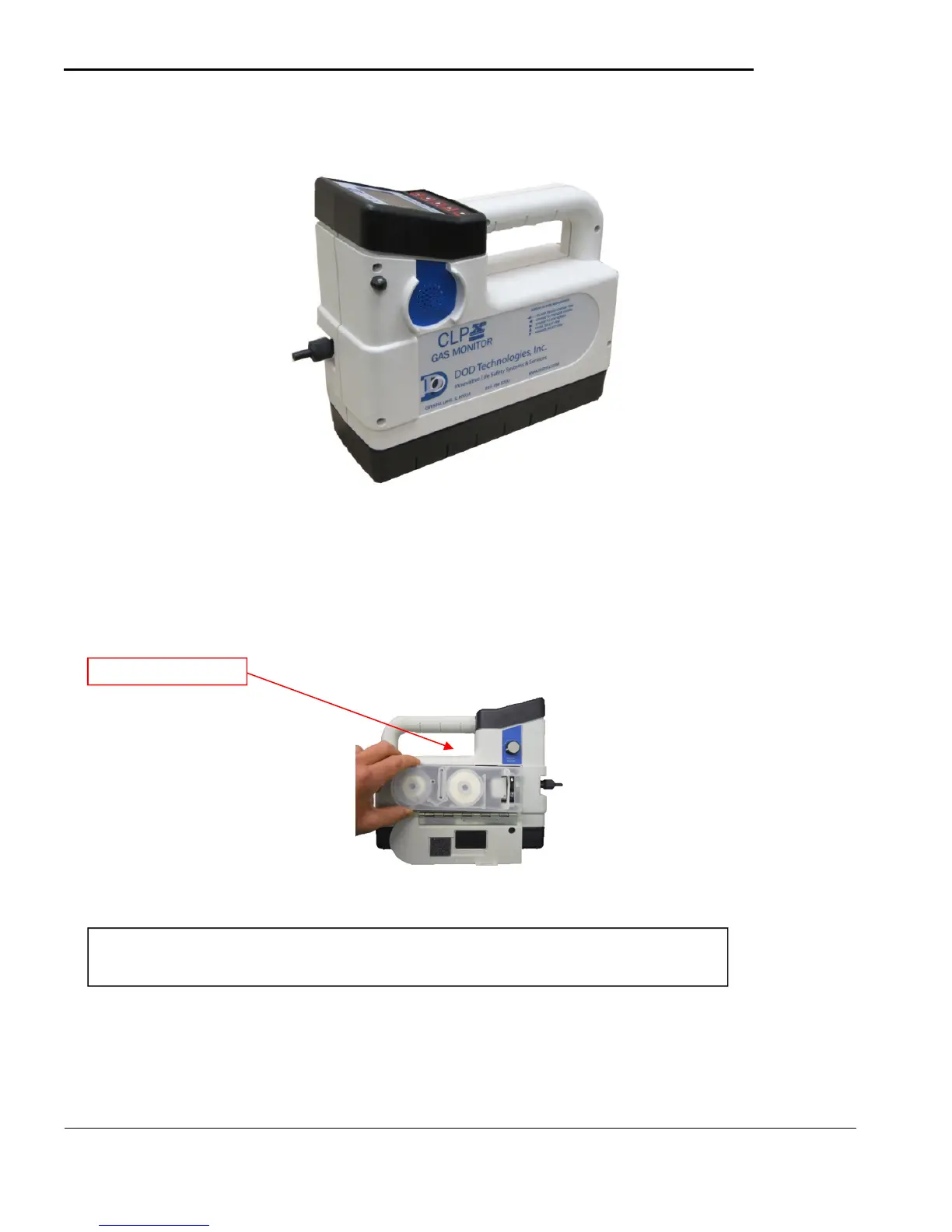
2.1 External Layout
Figure 2.1
2.1.1 Cassette Access Door
The cassette access door is used to load/unload ChemLogic cassettes into the CLPX. To open the door turn
the door latch release knob counter clockwise until it stops which will release the latch from the door. Pull
the door down to insert/remove the cassette. When complete close the door and turn the knob clockwise to
latch the door.
Figure 2.2
2.1.2 Keypad & Display
The CLPX uses a two color LCD display with a 5 button keypad See chapter 5 for a complete description
on the use of the keypad and display.
IMPORTANT: The door should remain closed and latched except when changing the
ChemLogic cassette.



 To Next Page