D O D T E C H N O L O G I E S , I
Rev 12.109
Page 17
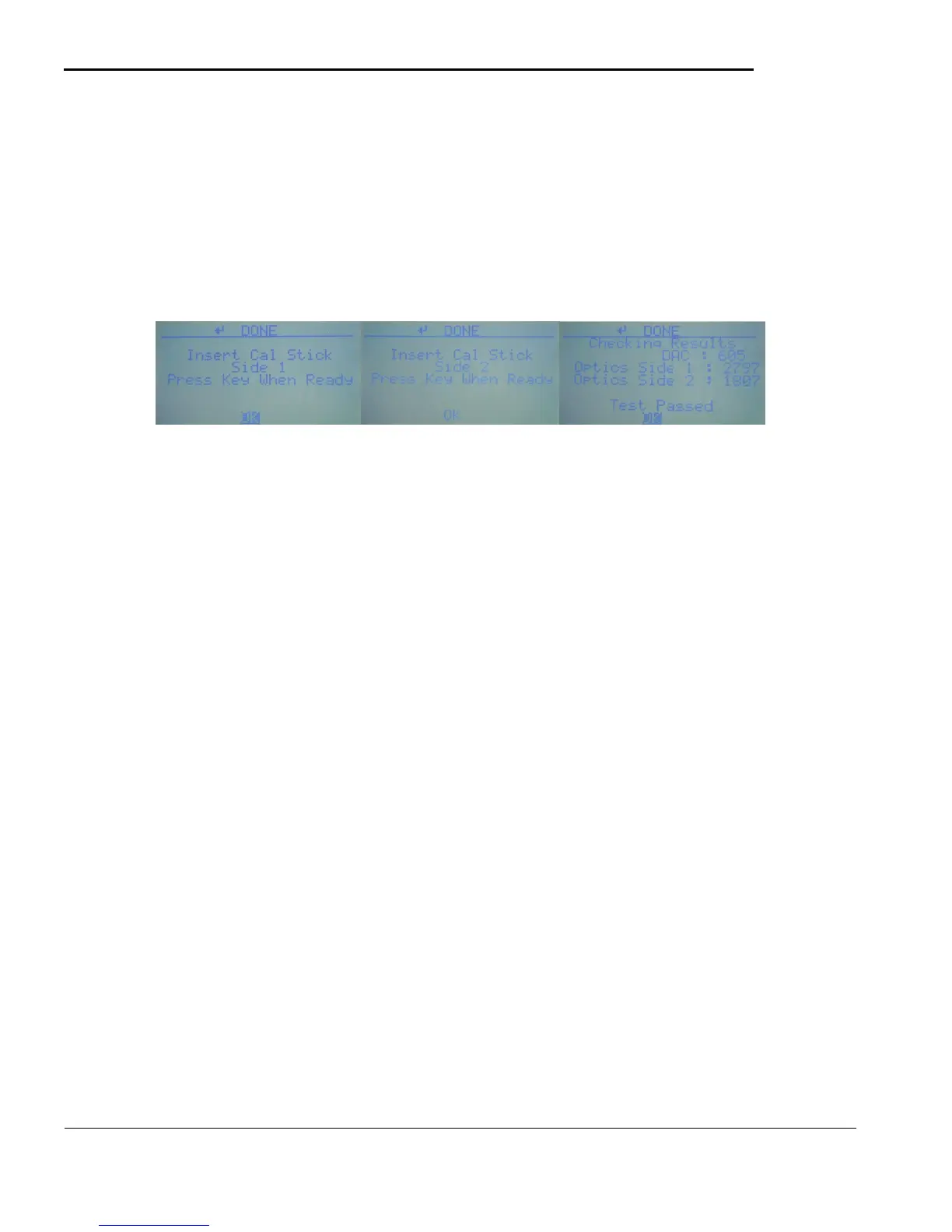
5.3.g Cal Stick Test
The Cal Stick included with in the case is not necessary for calibrating the system as the optics will self-
calibrate however the Cal Stick Test screen allows for verifying that the optics can adjust appropriately and
detect color change.
NOTE : It is recommended to perform an Optics Auto Test on the Service menu after running the CAL Stick
Test.
Figure 5.14 Figure 5.15 Figure 5.16
To run the Cal Stick test follow the directions on the screen. Insert Cal Stick side 1, then Cal Stick Side 2
and view the results . The screen will display an error if the values are out of range or otherwise invalid.



 To Next Page