D O D T E C H N O L O G I E S , I
Rev 12.109
Page 11
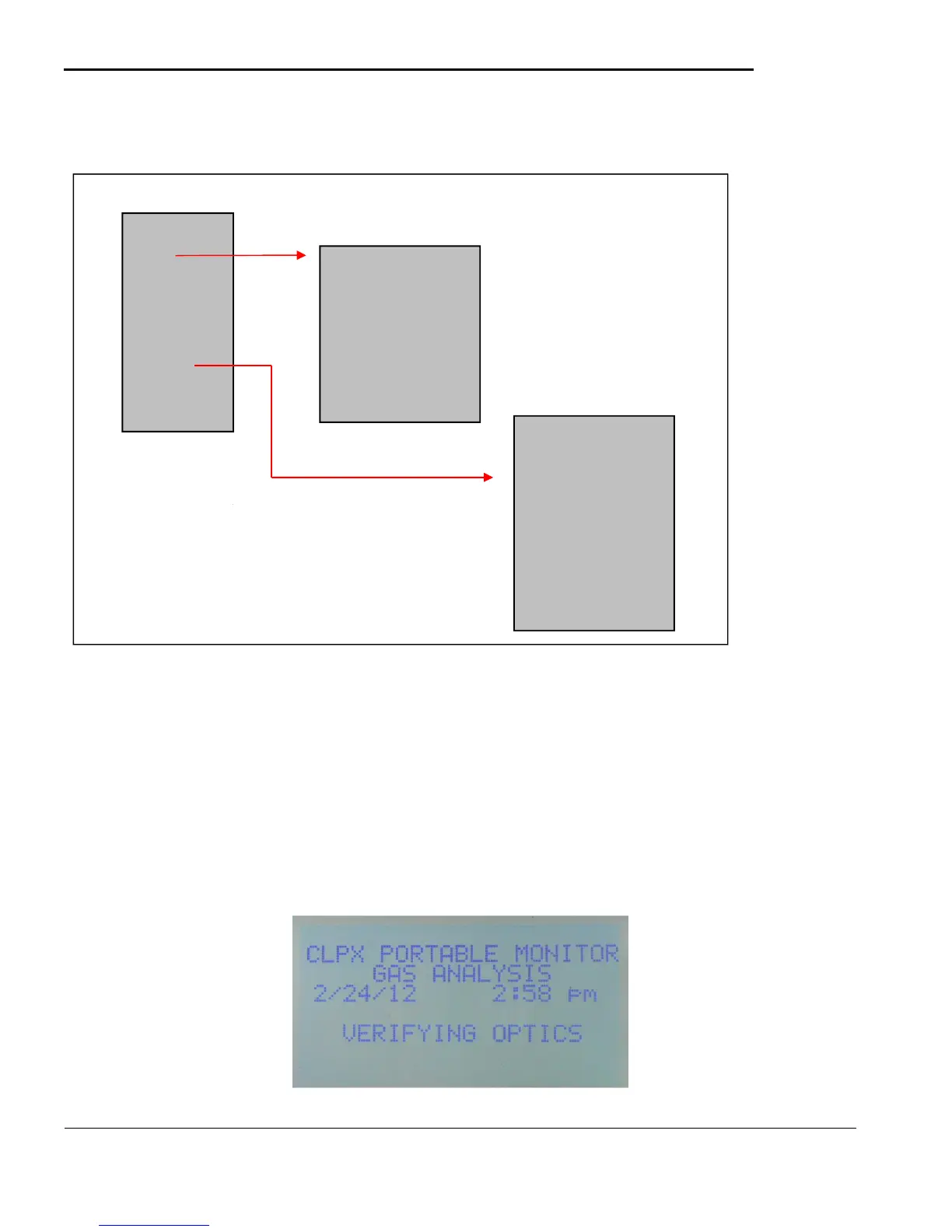
CLPX Menu Overview
5.2 Main Menu
Once the CLPX is configured the main menu contains all the screens necessary for normal operation. The
main menu is not password protected. Each selection on the main menu is detailed below.
Note 1: The setup menu is not password protected by default.
Note 2: The service menu is password protected by default.
Passwords can be changed/cleared in the Password screen on the Service Menu (5.6.c)
5.2.a Analysis
Figure 5.4
Setup
SD Card
History
STEL
Verify Tape
Service
Help
Power Off
Auto Optics Test
Config Settings
Pwd Settings
Battery Settings
Simulation
Passwords
Factory Menu
Software Update
Adjust Flow
Set Alarm Levels
Battery Check
Set Date/Time
System Info
Cal Stick Test



 To Next Page