D O D T E C H N O L O G I E S , I
Rev 12.109
Page 16
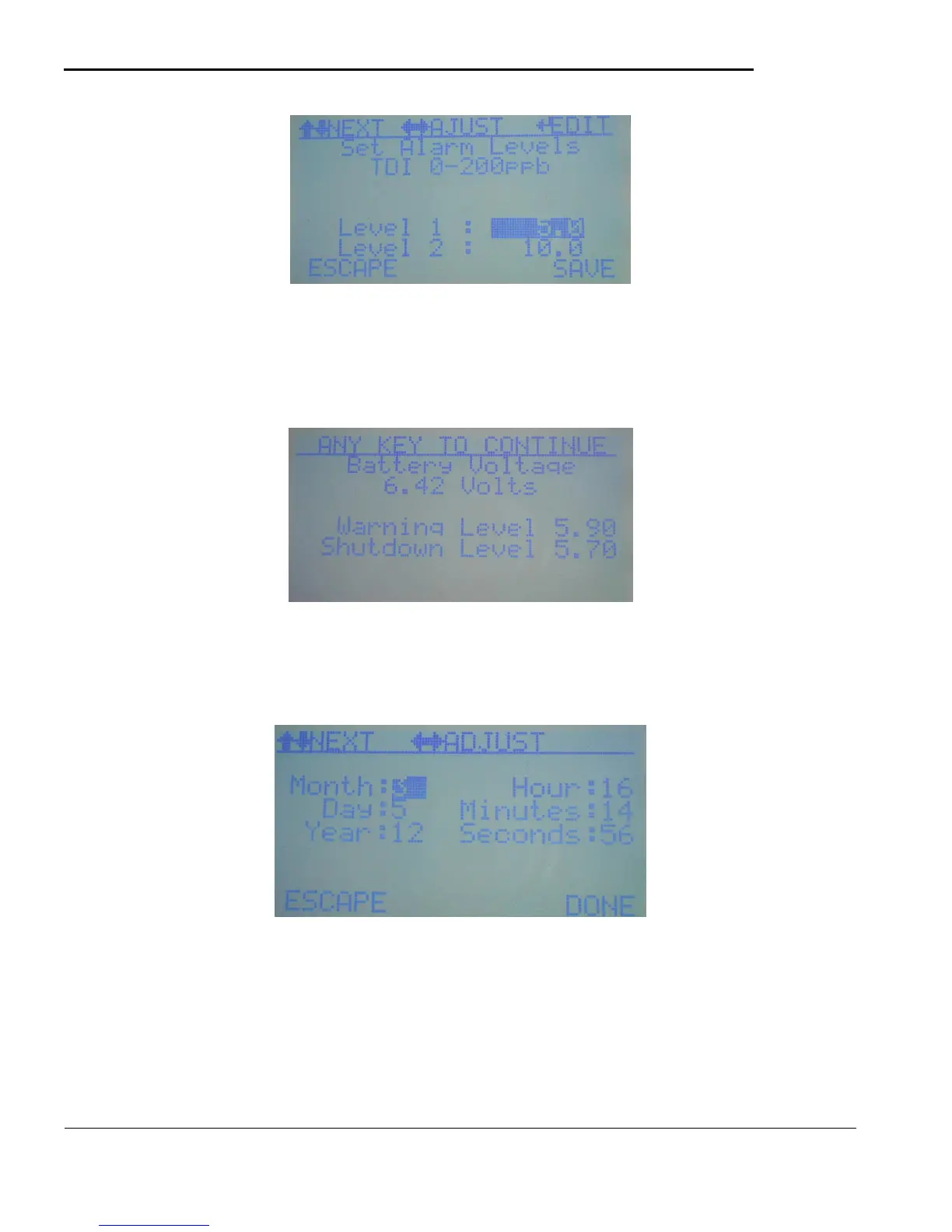
Figure 5.10
5.3.d Battery Check
The battery check menu will display the screen shown in figure 5.11 which displays the current battery
voltage along with the warning and shutdown levels. These levels can be adjusted if necessary (not
recommended) on the Service Menu.
Figure 5.11
5.3.e Set Date/Time
Allows the operator to change the Date/Time. Note the hour displayed is in 24 hour format. Use the
LEFT/RIGHT keys to quick adjust each field and the UP/DOWN keys to select each field.
Figure 5.12
5.3.f System Info
Displays the current software version and serial # and selected gas for information purposes only. Software
versions 12.3 and higher will also display the Installer/Updater version #.



 To Next Page