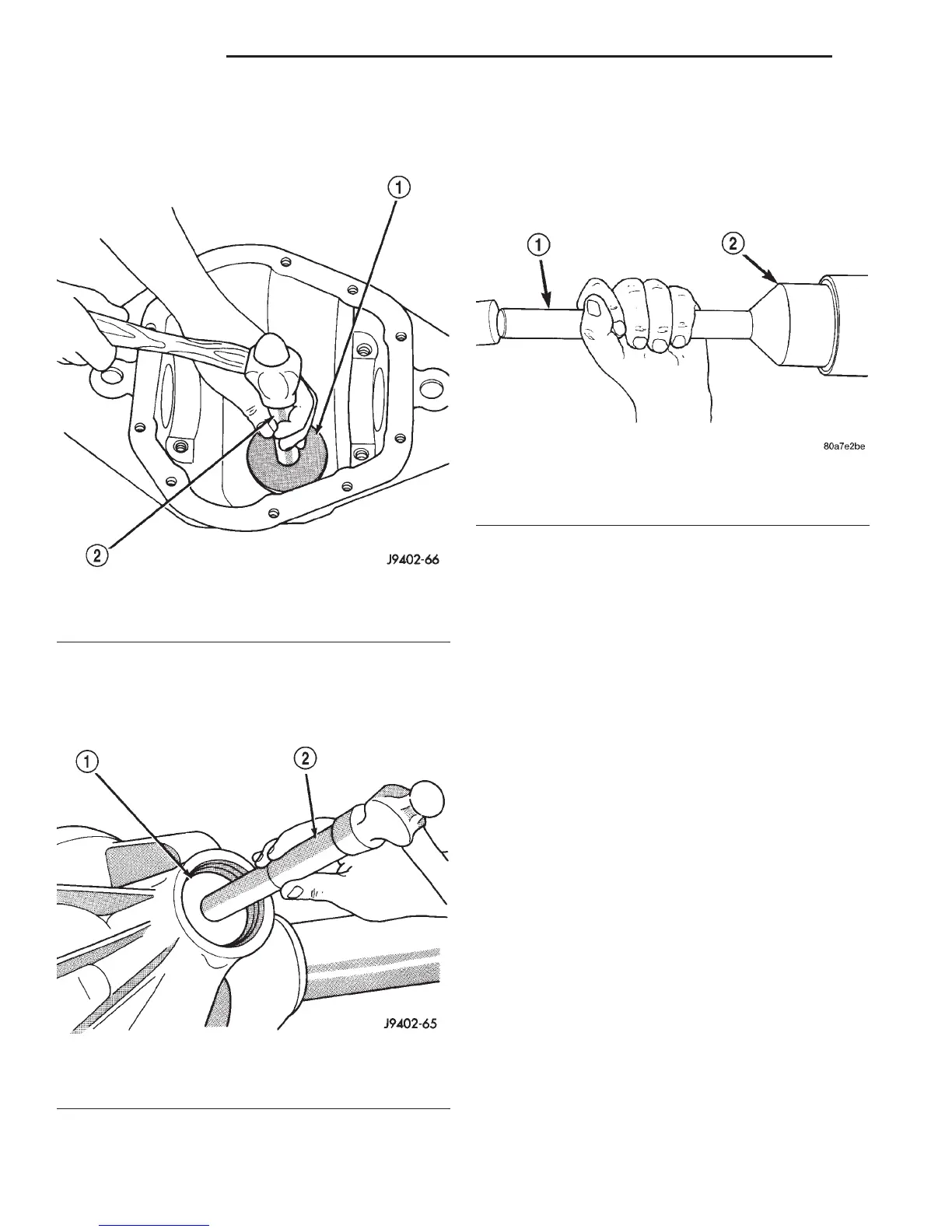
(2) Install the pinion rear bearing cup with
Installer D-145 and Driver Handle C–4171 (Fig. 25).
Ensure cup is correctly seated.
(3) Apply Mopart Door Ease, or equivalent, stick
lubricant to outside surface of bearing cup.
(4) Install the pinion front bearing cup with
Installer D–129 and Handle C–4171 (Fig. 26).
(5) Install pinion front bearing, and oil slinger, if
equipped.
(6) Apply a light coating of gear lubricant on the
lip of pinion seal.
(7) Install seal with Installer C-3972-A and Handle
C–4171 (Fig. 27).
NOTE: Pinion depth shims are placed between the
rear pinion bearing cone and pinion gear head to
achieve proper ring gear and pinion mesh. If the
factory installed ring gear and pinion are reused,
the pinion depth shim should not require replace-
ment. If required, refer to Pinion Gear Depth to
select the proper thickness shim before installing
rear pinion bearing.
(8) Place the proper thickness depth shim on the
pinion shaft.
(9) Install the rear bearing and slinger, if
equipped, onto the pinion shaft with Installer 6448
(Fig. 28).
(10) Install a new collapsible preload spacer onto
the pinion shaft (Fig. 29).
(11) Install the pinion in the axle housing.
(12) Seat the companion flange on the pinion shaft
with Installer C-3718 and Holder 6719.
(13) Remove the Installer C-3718 and install the
new pinion nut.
CAUTION: Do not exceed the minimum tightening
torque when installing the companion flange at this
point. Damage to the collapsible spacer or bearings
may result.
Fig. 25 Pinion Rear Bearing Cup Installation
1 – INSTALLER
2 – HANDLE
Fig. 26 Pinion Front Bearing Cup Installation
1 – INSTALLER
2 – HANDLE
Fig. 27 Pinion Seal Installation
1 – SPECIAL TOOL C-4171
2 – SPECIAL TOOL C-3972–A
3 - 44 C205F AXLE DN
REMOVAL AND INSTALLATION (Continued)















 To Next Page