ParaMon-Pro X instruction manual DOC.60391-01/21
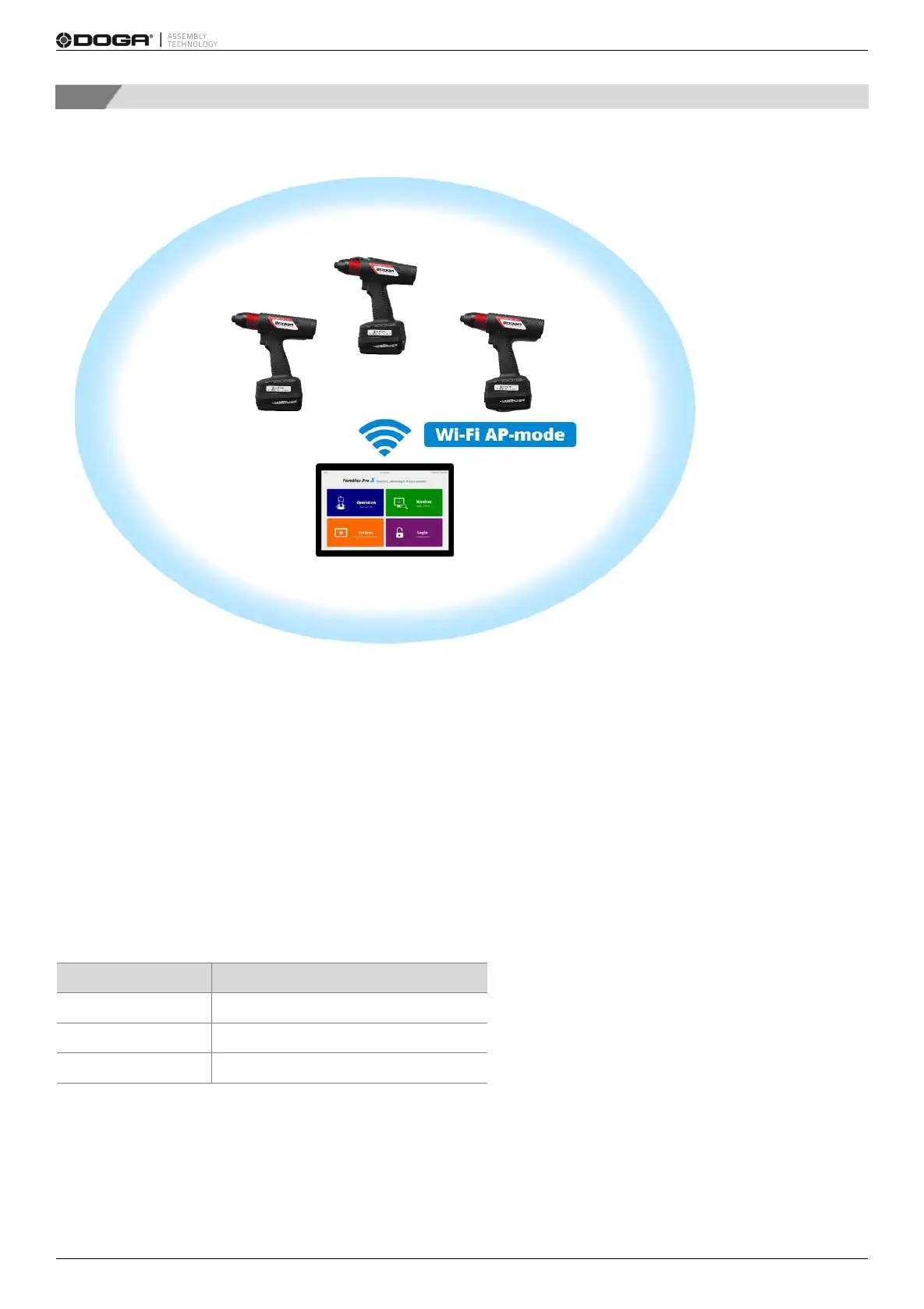
3.1 Connect through internal AP
The most common type.
Through a WiFi adapter in ParaMon-Pro X, ParaMon-Pro X is operated in AP mode and connected to BM. The WiFi
module in ParaMon-Pro X is operated in AP mode only, not in Station mode.
A. Log into the system in Admin mode. The default password is “0”.
B. Press [Setting].
C. Select the NETWORK tab on the left.
D. Set the SSID, password and band in WiFi settings. The default settings are as follows:


 To Next Page