ParaMon-Pro X instruction manual DOC.60391-01/21
14. OPERATION
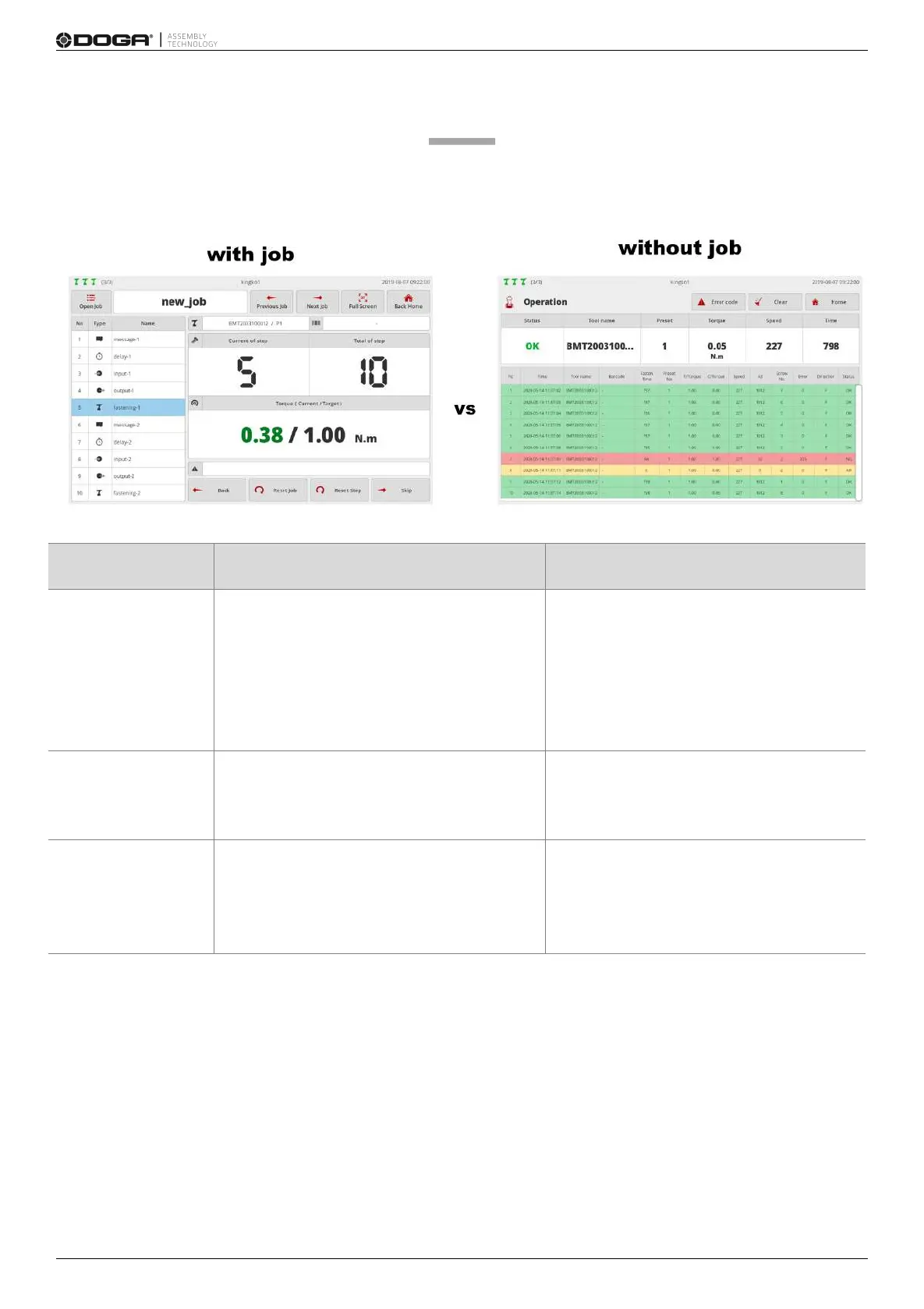
The operation page appears differently depending on operation mode settings (‘With job’ or ‘Without job’).
Uses process control and is operated
according to the procedures programmed to a
job.
Used for the purpose of minimizing an
assembly error by visualizing the complicated
assembly procedures of diverse products.
Does not use process control and is able to
utilize all tools randomly.
Mostly used to save fastening data.
Operates the tools selected in the fastening
step only; locked in all other tools; unable to
use multiple tools simultaneously.
No restriction in using tools.
Able to use all tools randomly at the same
time.
Able to register a code and set jobs.
Loads jobs automatically if the registered
code is scanned.
Able to register a code and set the reset
when a scanner-integrated BM is used.
Automatically altered into the preset if the
registered code is scanned.



 To Next Page