ParaMon-Pro X instruction manual DOC.60391-01/21
3.2 Connection through external AP
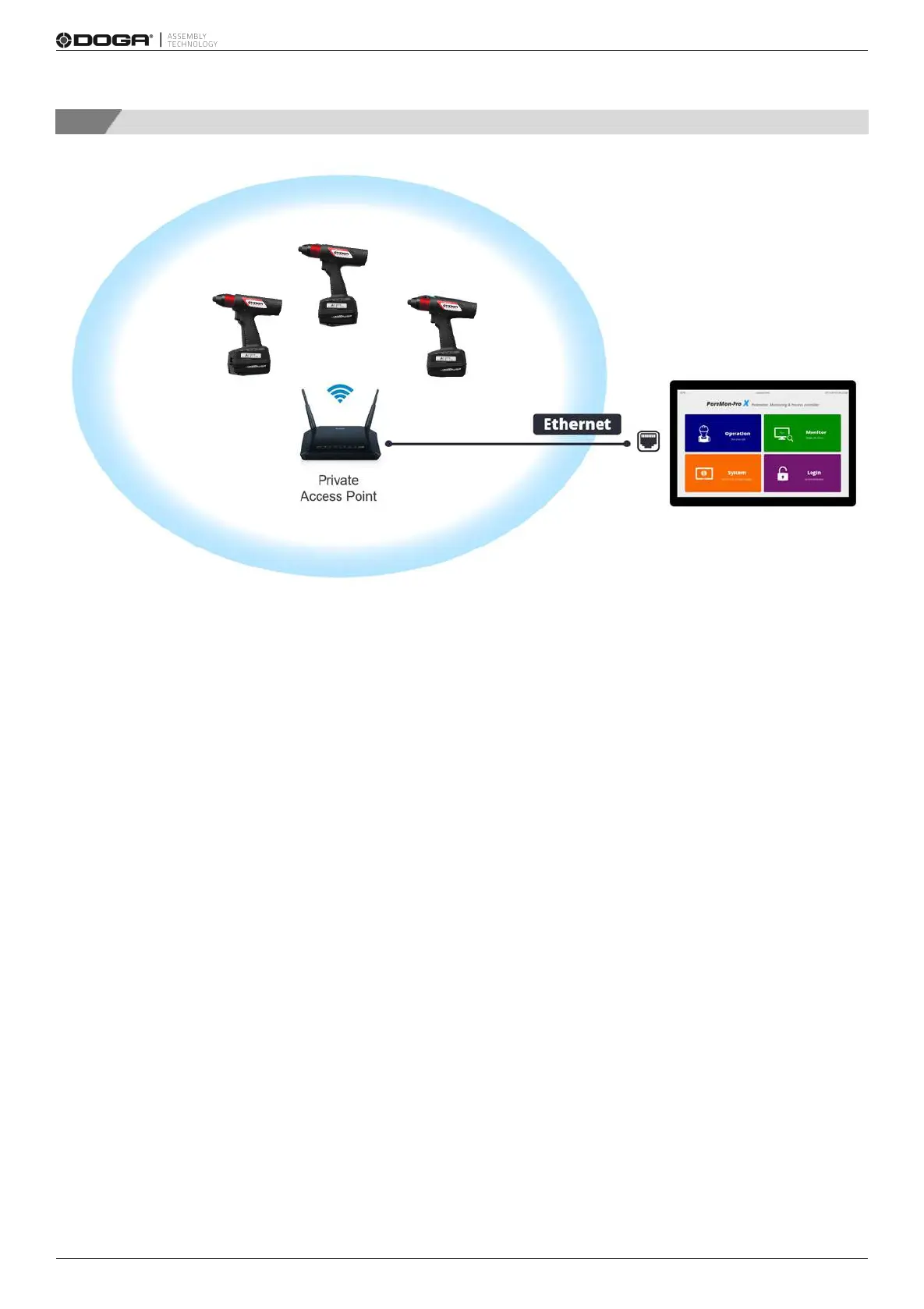
Connect ParaMon-Pro X and BM, using a separate AP.
This connection type can be used when wider WiFi coverage is needed or a particular feature by the AP is required.
The WiFi adapter in ParaMon-Pro X is not operated in Station mode.
Therefore, Ethernet wiring is needed for connection between ParaMon-Pro X and a separate AP.
A. Log into the system in Admin mode. The default password is “0”.
B. Press [Setting].
C. Select the NETWORK tab on the left.
D. Choose either DHCP or STATIC in the ETHERNET according to network configuration.
E. Press [Apply].



 To Next Page