EasyManua.ls Logo

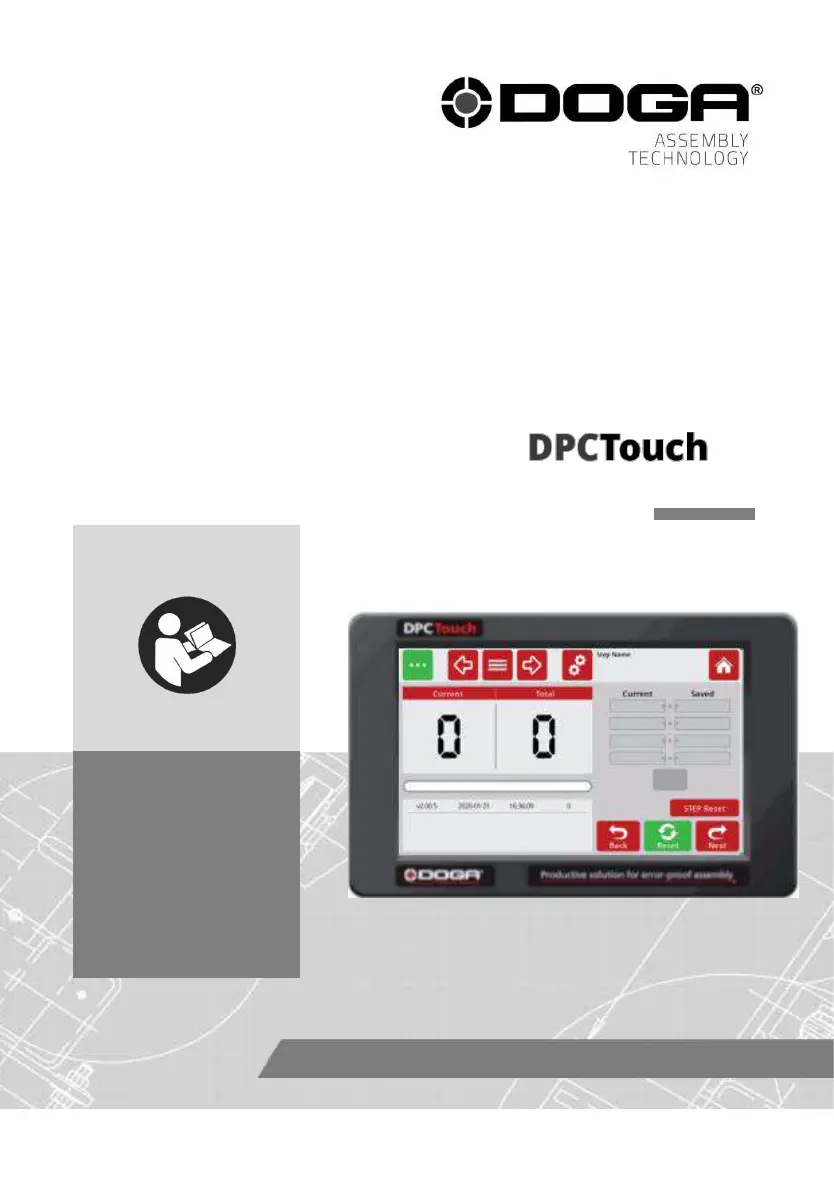
DOGA DPC TOUCH V2 - User Manual

Default Icon
96 pages
Print Icon
To Next Page IconTo Next Page
Loading...
433000-10/19
1
User manual
SEQUENCING AND PROCESS
MONITORING INTERFACE
V2
EN
60352-11/20
www.dogassembly.com

Table of Contents

Questions and Answers

Summary

REMARKS ABOUT THE MANUAL

Symbols Explanation

Explains the meaning of various symbols used in the manual for clarity.

INFORMATIONS

Product Description and Specifications

Covers general description, references, and technical specifications of the DPC Touch V2.

STARTING UP

Installation and Firmware Update

Guides through initial installation, unpacking, connection, and firmware update procedures.

SETTINGS

Basic Settings and Password

Covers language selection, password management, and date/time adjustments.

Controller Parameter Configuration

Configures operating parameters, encoders, I/O, network, and other device settings.

USE

Operation, Job Management, and Programming

Covers tool operation, menu navigation, job creation, and fastening step programming.

MAINTENANCE

Maintenance, Troubleshooting, and Support

Offers guidance on device care, troubleshooting, and warranty information.

SAFETY

Safety Precautions and Contra-indications

Lists essential safety rules and forbidden usage conditions.

STANDARDS

Transport, Storage, and Recycling

Covers guidelines for handling, storing, and recycling the equipment.

APPENDICES

Electrical Wiring Diagrams

Illustrates wiring schemes for encoder, RS232, inputs, and outputs.

Tool Connection Guides

Provides detailed connection guides for various tool types.

Modbus TCP;IP Data

Comprehensive list of Modbus addresses for device control and monitoring.

DOGA DPC TOUCH V2 Specifications

General IconGeneral
BrandDOGA
ModelDPC TOUCH V2
CategoryController
LanguageEnglish

Related product manuals