User manual DPC Touch V2 DOC.60352-11/20
4.4.1 New job creation
While on the Job Manager screen, press the NEW button. A new job will be
created and placed at the end of the list. A new job creation screen will be
displayed automatically.
A job is represented by a sequence of steps. These steps can be organized in
any order which corresponds to the desired production sequence.
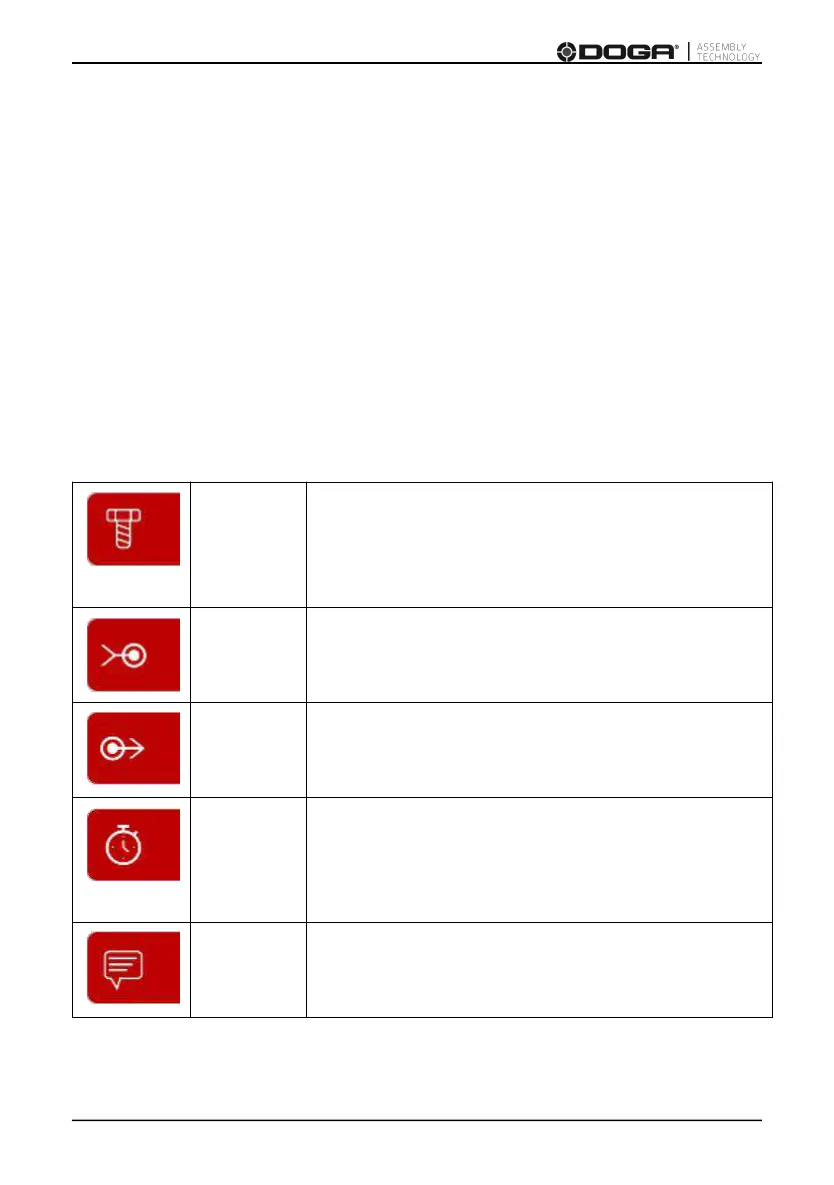
There are 5 types of steps and each one of them can be used multiple times if
necessary:
This step contains fastening positions including
information associated with these positions
(positioning tolerance, tightening program,
tightening time, etc.)
Used to verify an input signal in order to pass to
the next step (e.g. signals from proximity sensors,
buttons, etc.).
Used to activate output signals to manage
automation equipment on work station (e.g.
activation of pneumatic valves, lights, etc.)
Used to maintain the current I/O status for a
specified time period (e.g. a delay required
between receiving an input signal and sending an
output signal, barcode, confirmation).
Used to display a graphical or text message on the
operating screen during working cycle.



 To Next Page